
Howdy Everyone,
With the help of pop up cookies, the user can load the website quickly and accept the cookies request according to the Google policy. Process Step By Step of How to Pop Up Cookies Request on Blogger is shown:

Process
01. First go to Theme Option on Blogger.com and select Customize > Html Edit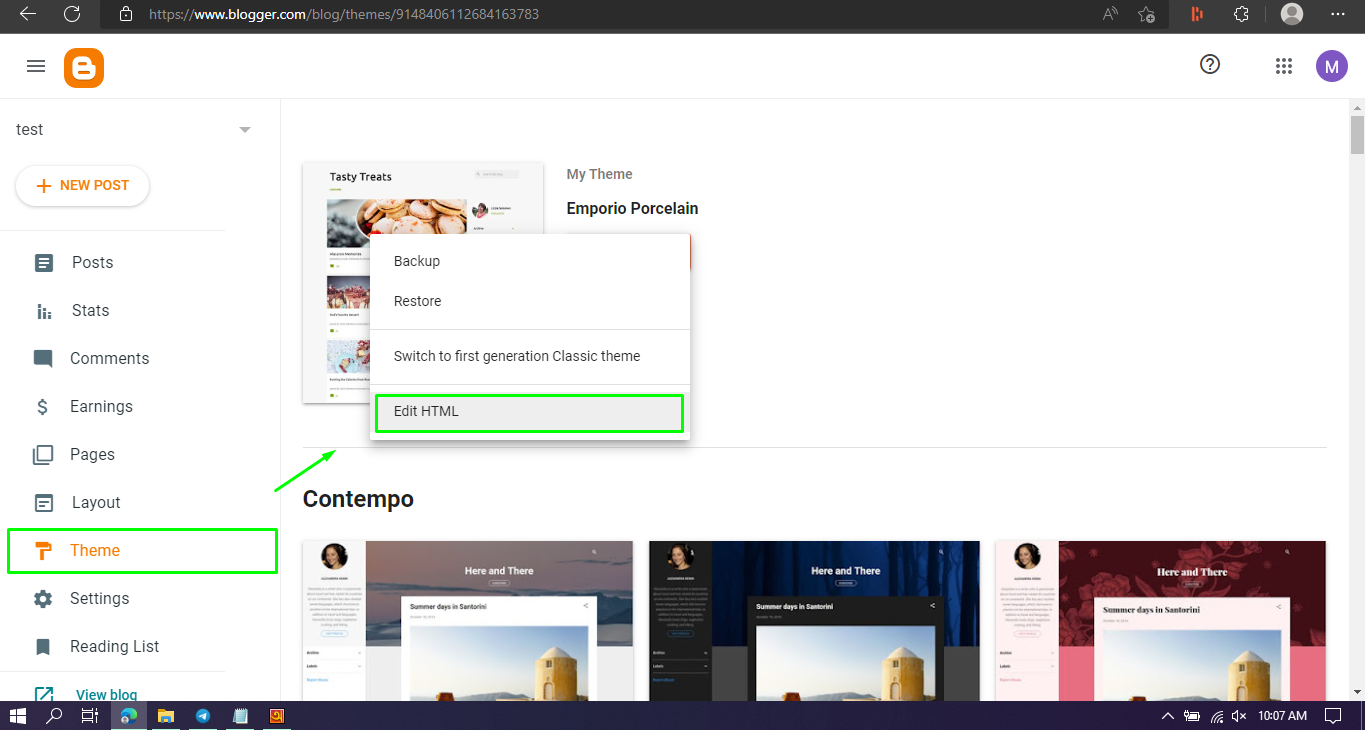
02. Now press Ctrl + F on the Html Page to find this code ]]></b:skin>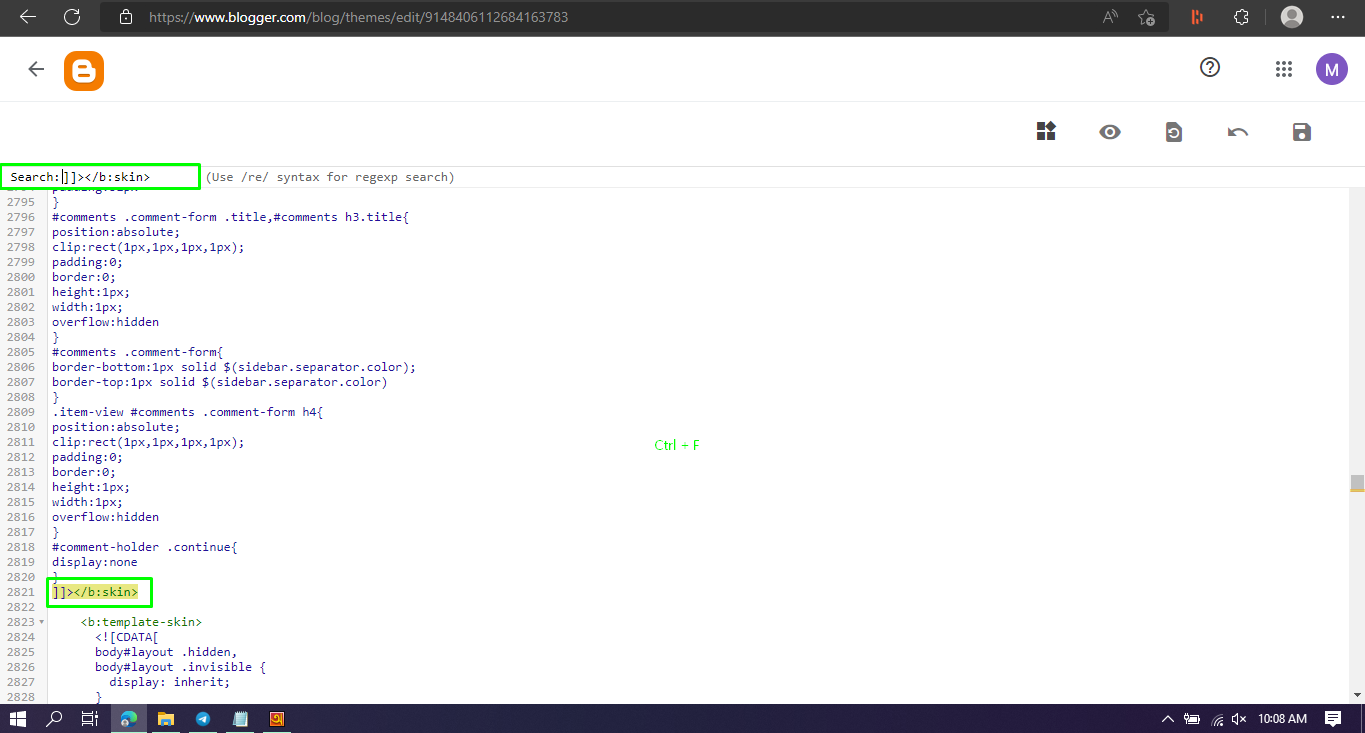
03. ]]></b:skin> above this codeThis is the CSS codePaste it
04. Press Ctrl + F again and do </body> Search
05. Now at the bottom of the </body> is this The JS codePaste it
06. Now save the theme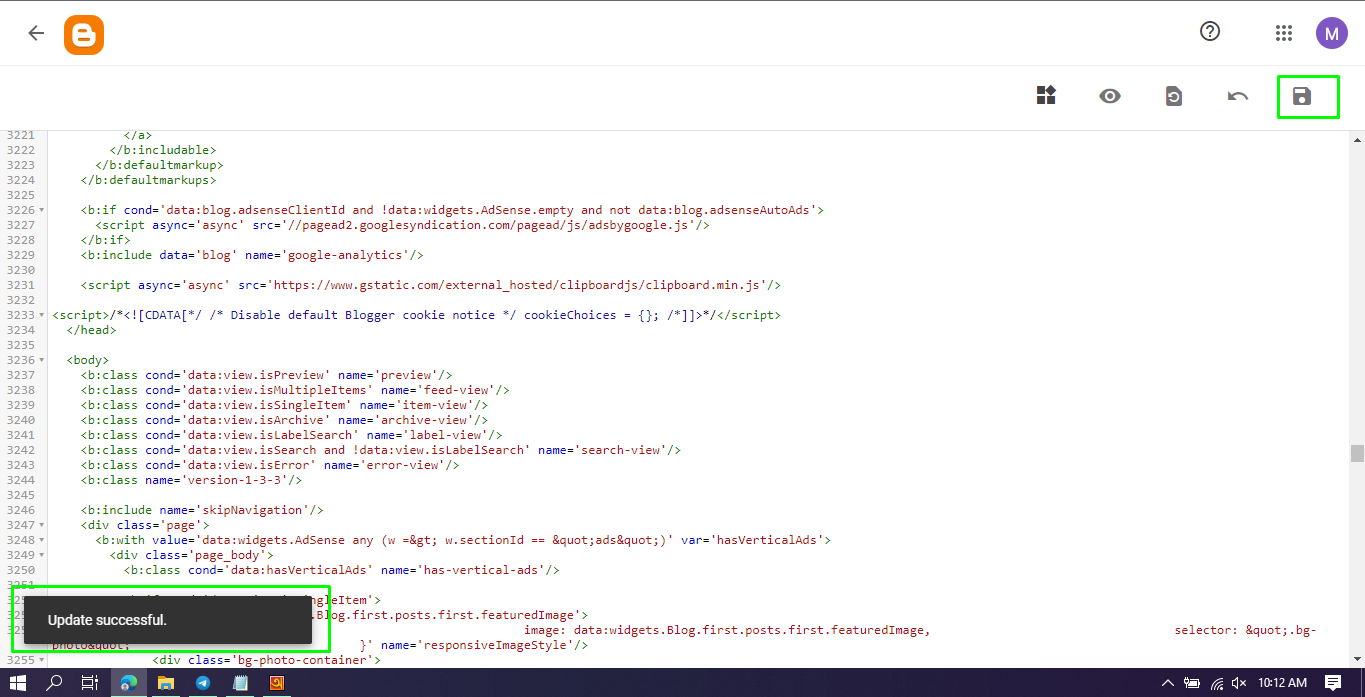
Tags
HTLM CODE
