
How to Change Blogger Meta Color
Assalamu Alaikum. Today I will discuss a topic of blogger. You should know this. If you already know, then I will say this post is only for beginners. Today's topic of discussion is :-
- Meta Theme Color Change
Meta Theme Color Change

First of all, let's start by changing the meta theme color. You may have noticed while visiting many websites, while scrolling, that part of the address bar and status bar of the browser changes color. It is different for each website.
If you want, now you can also change the meta theme color of your blogger site by following the few steps shown by me.
- First go to blogger dashboard.
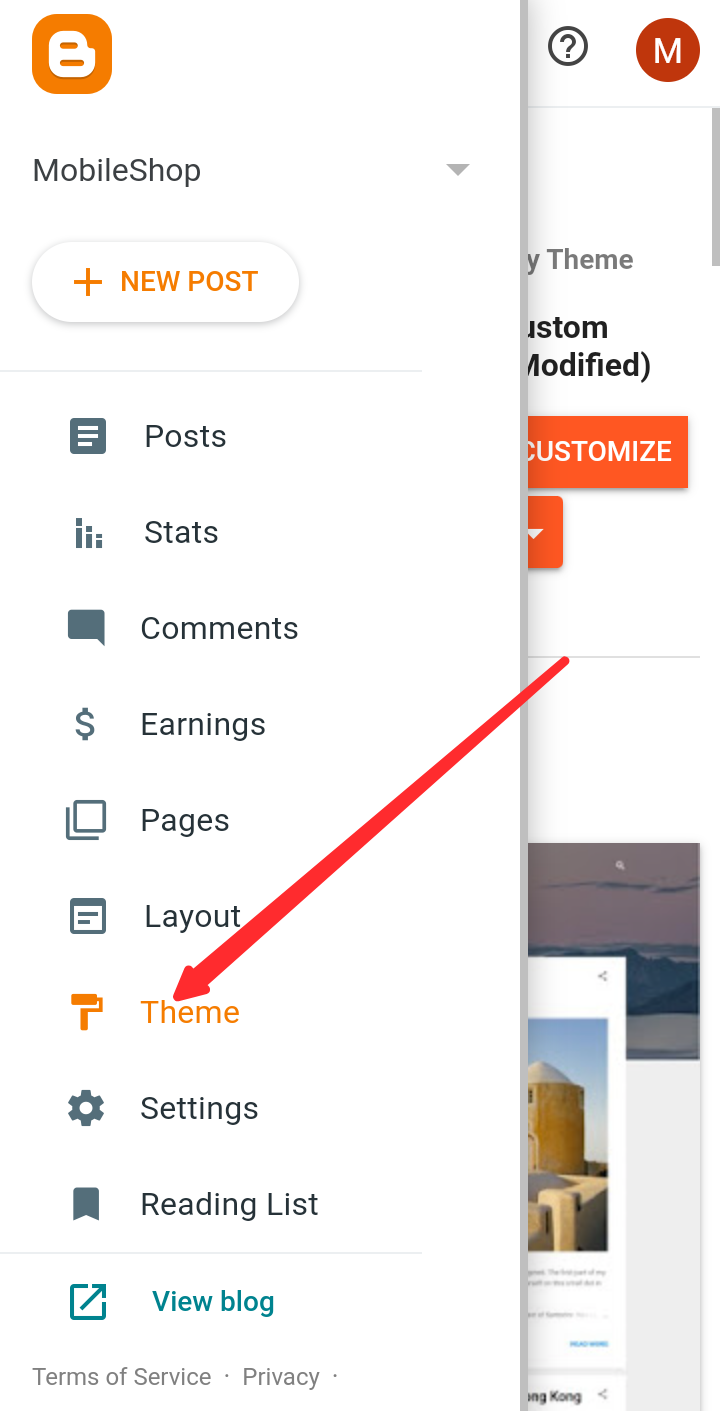
- Then go to Themes.
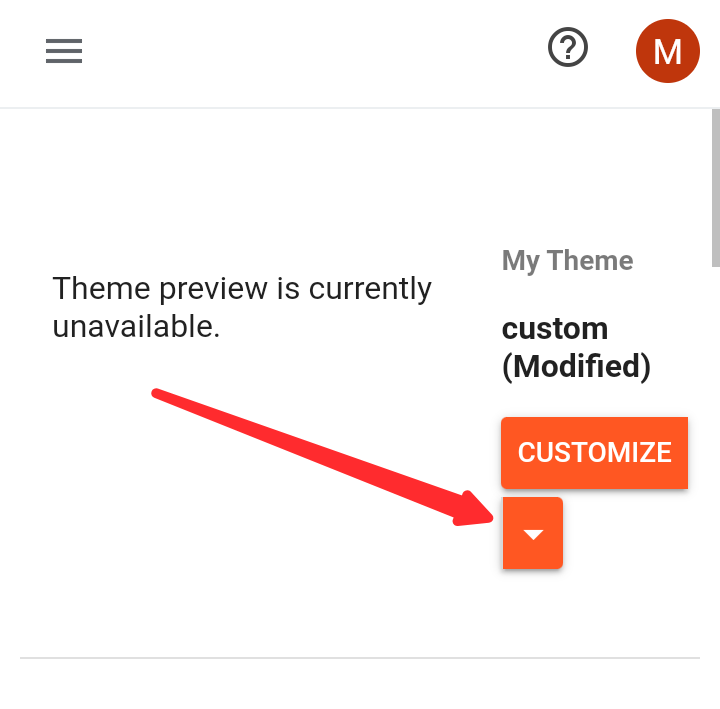
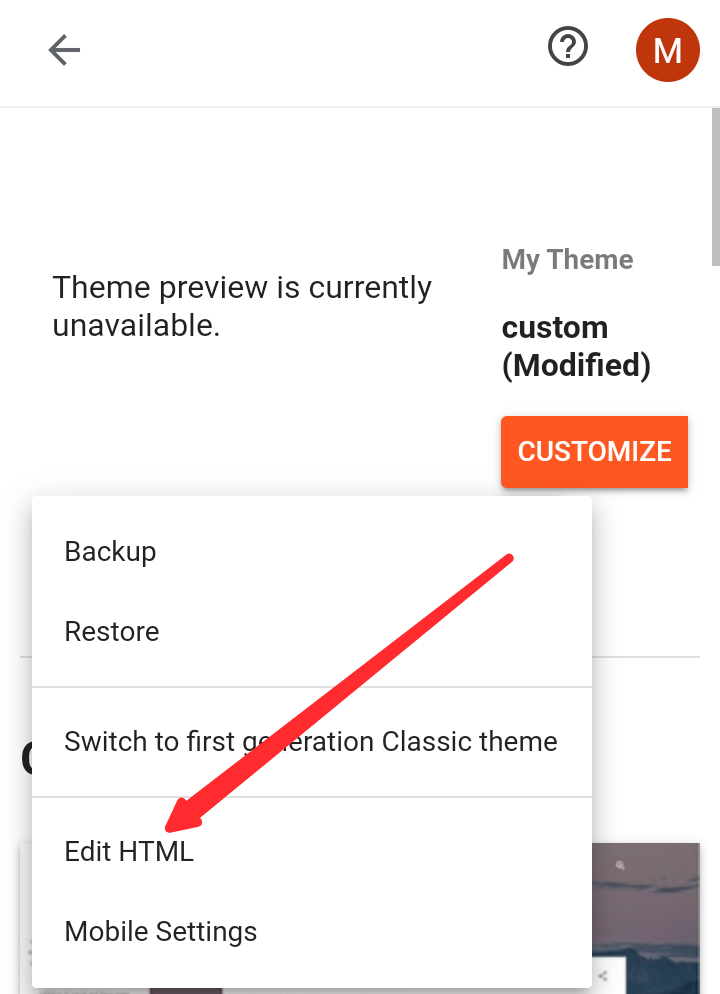
- Now click on Edit HTML mode from the dropdown menu.
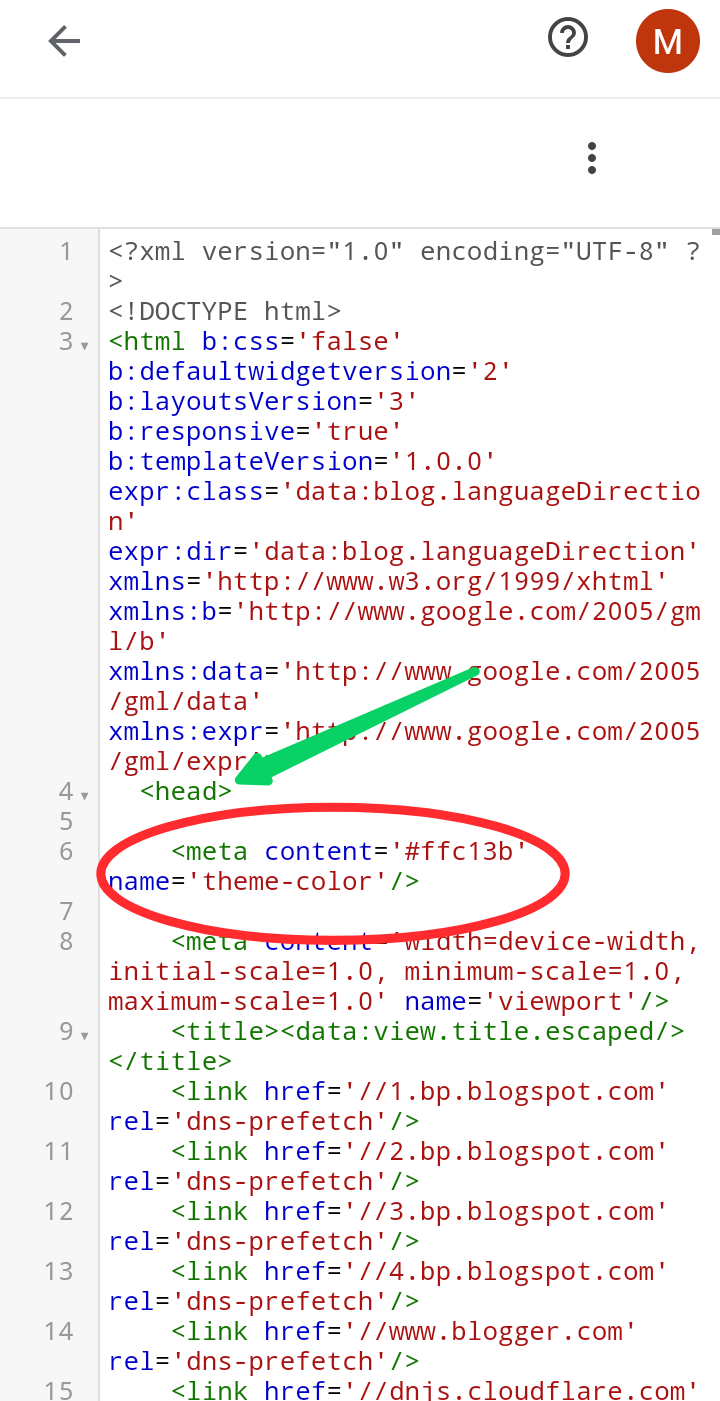
- Then paste the following code anywhere between the head and head closing tags. If you want, you can change the color as you wish.
- Now save and visit your site, the meta theme color of your website has changed to your color.
