
How to Change Blogger Meta Image
Assalamu Alaikum. Today's post is about how to change the meta image of your blogger website.
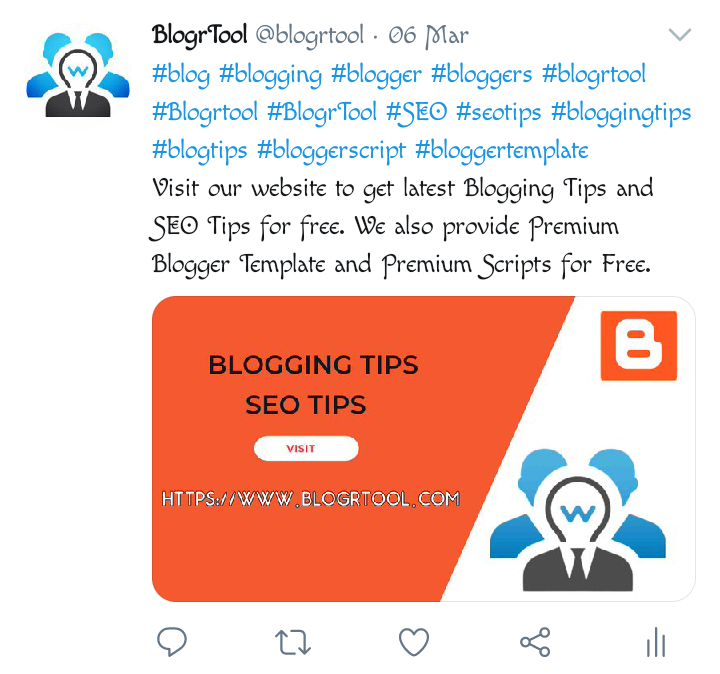
What is meta image? This question may arise in many people's minds. Because, we who are new, don't know much. In answer to their question, you can see meta image only when you share your website link on other website or social media. For example, the following screenshot 2 Look. One is from Facebook, the other is from Twitter. When I posted the link of my website, that preview came. The image that is shown is the meta image of my website.

How to preview the meta image?
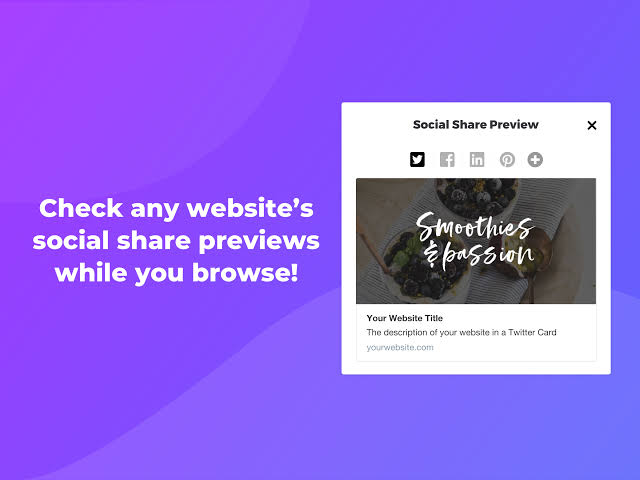
If you share the link on each social media, the preview is different. You don't have to post your website link on each social media to see them. I am giving a website link below, go to it and see how the preview of your website's meta image will look on any social media. , you can see it.
How to change meta image?
Follow the steps below to change the meta image of your blogger site.
- First go to blogger dashboard.
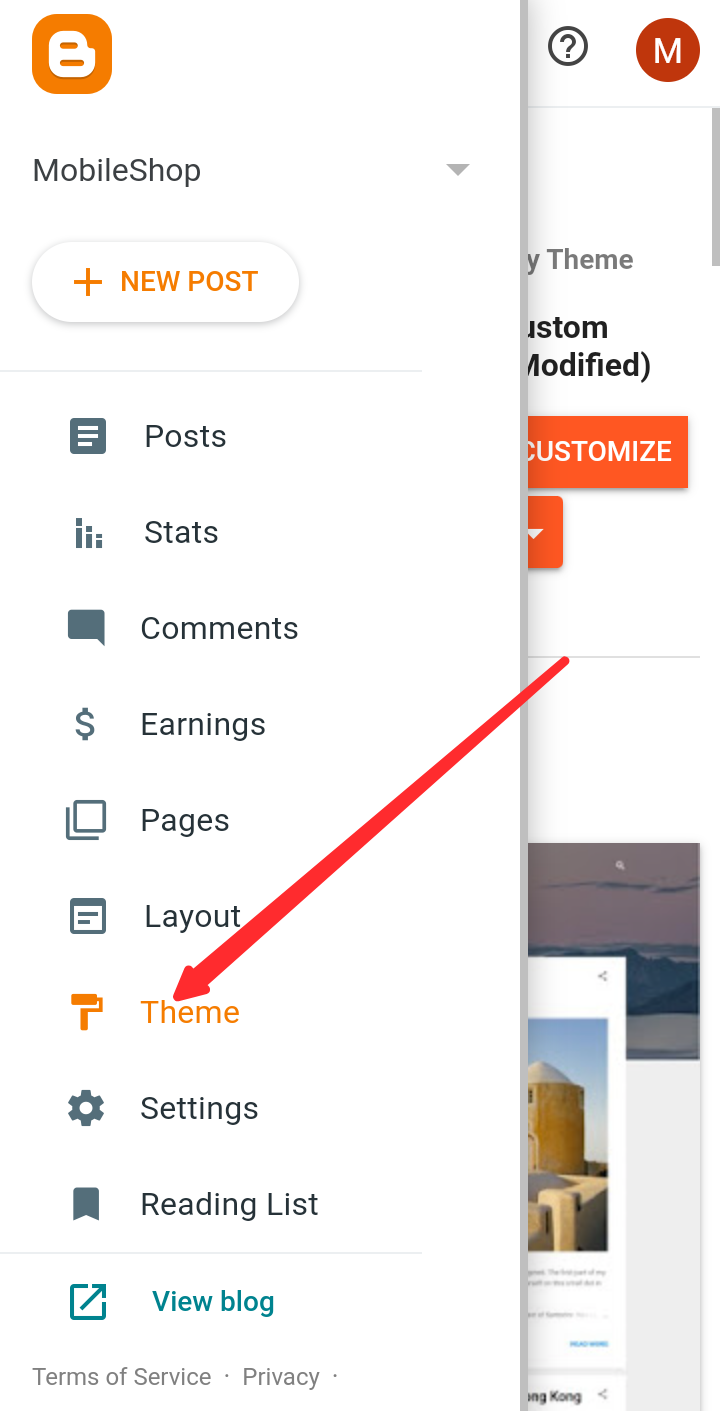
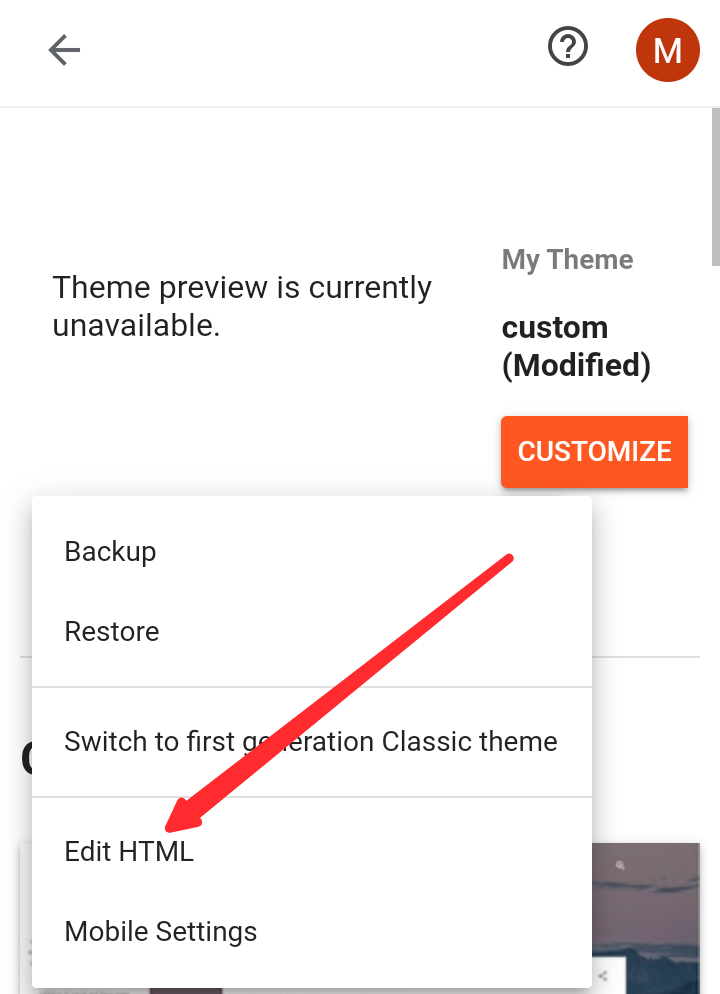
- Then go to Themes.
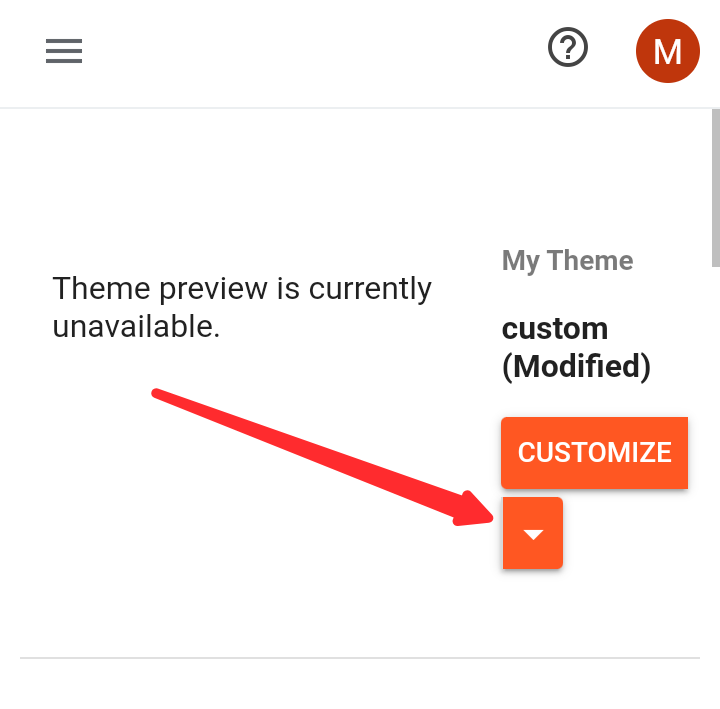
- Now click on Edit HTML mode from the dropdown menu.
- Then paste the following code anywhere between the head and head closing tags. And of course put the URL of your meta image inside the code.
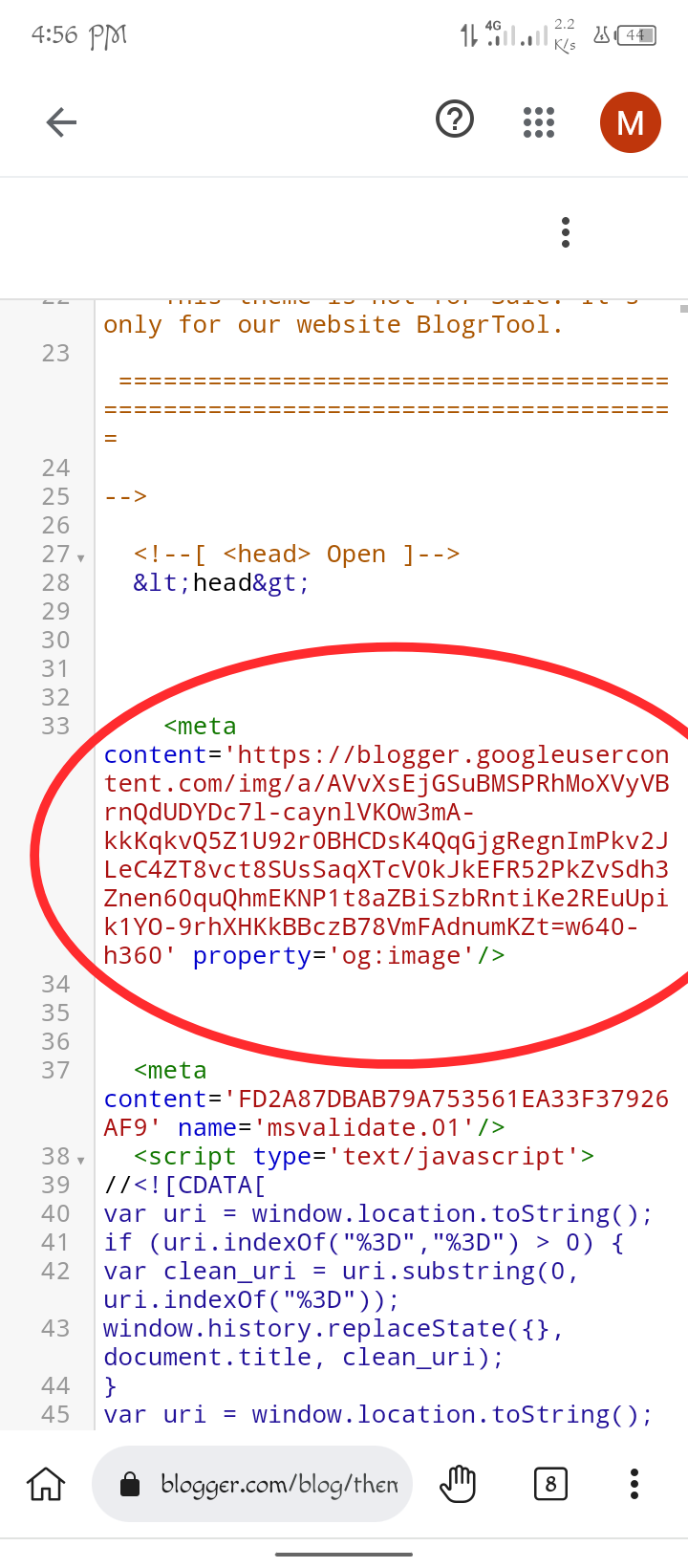
- Now save it and again visit the site that I have given the link above and view the preview again with your site link. The meta image of your website has changed and the meta image you provided has arrived. And from now on, if you share it on social media, the image will show as a preview. .

good tips
ReplyDelete