Important Blogger Settings
Assalamu Alaikum. In this post I will show you some important settings for blogger. If you are a newbie, I hope these will be useful for you. Let's get started...
First go to blogger dashboard.
Then go to settings.
Privacy
Turn on Visible to search engine from the Privacy section. By doing this, your website will be found if someone searches. But if you keep it off, the website will remain private, unless someone visits your website with the URL.

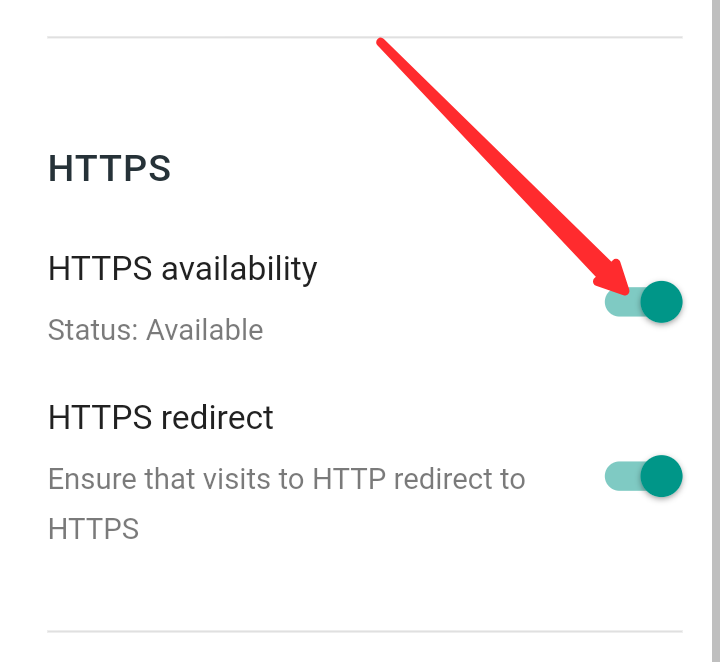
HTTPS
If you have set a new custom domain, you must turn on HTTPS availability from the HTTPS section . By doing this, Google's free SSL will be added to your website. As a result, your website will be more secure.
Meta Tags
Turn on the Meta search description from the Meta tags section.
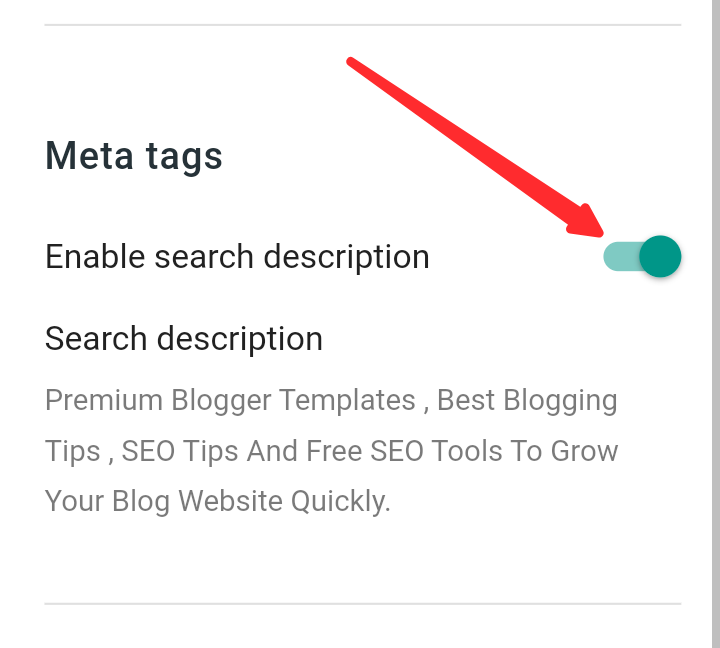
Below that, give the description of your site in Search description and save it.

Crawlers and Indexing
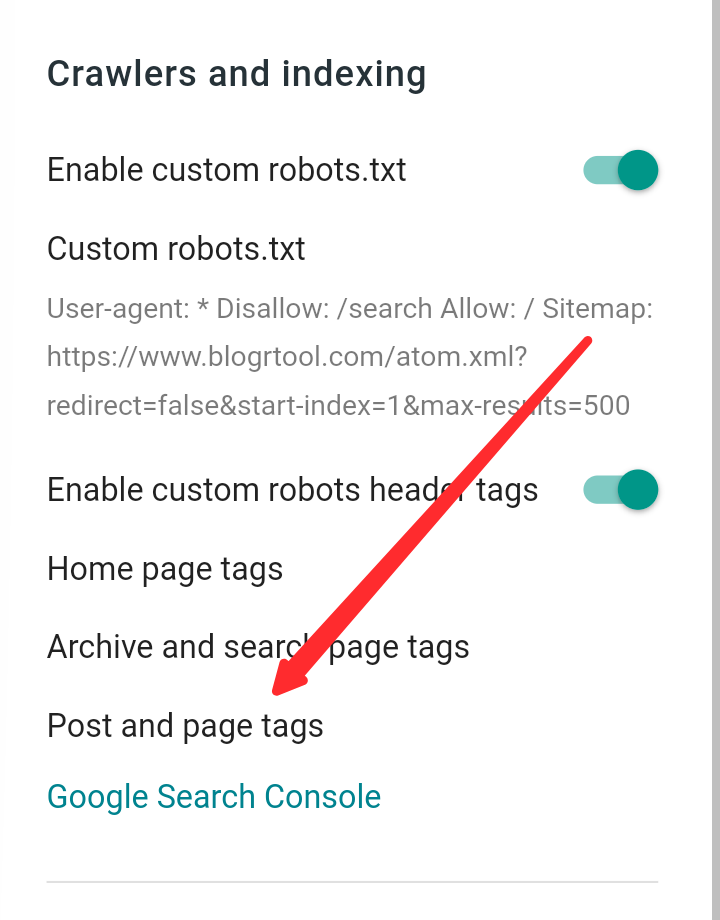
Enable custom robots.txt from the Crawlers and indexing section .

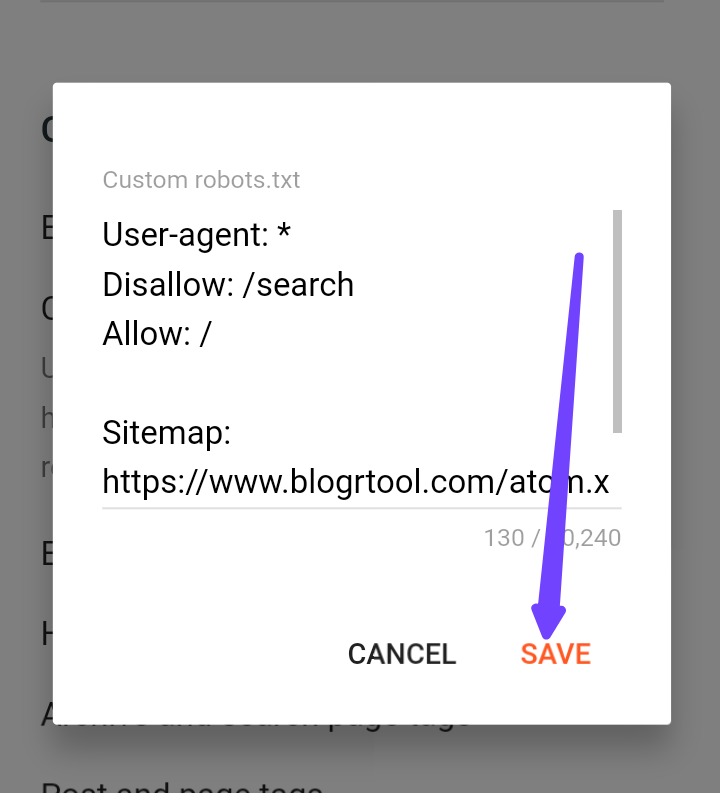
Then click on Custom robots.txt from below and you will get a popup. Give the robots.txt codes for your site there. I have given a robots.txt below . You can use it with your site's domain there.
Turn on Enable custom robots header tags .
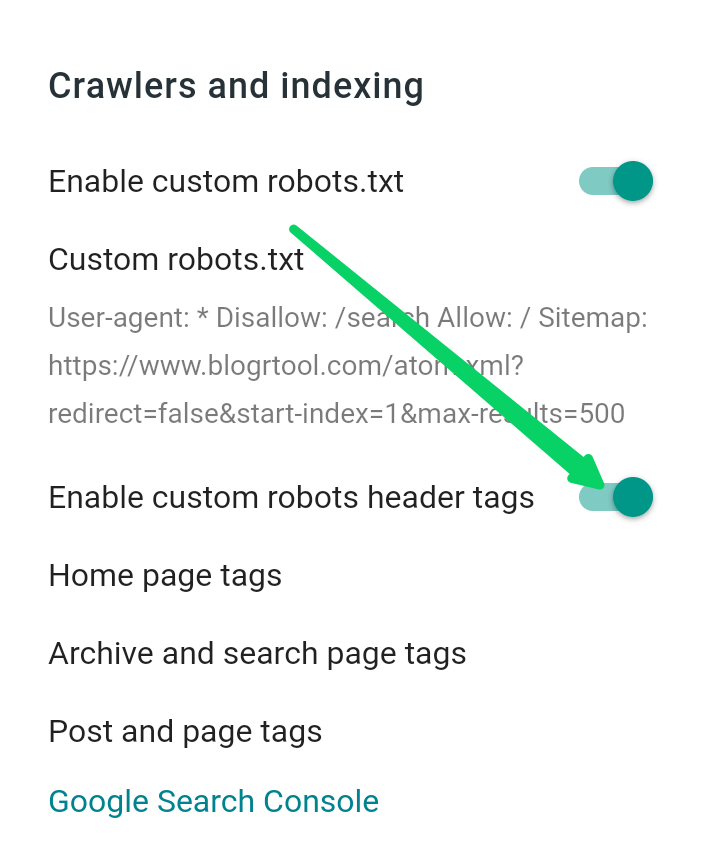
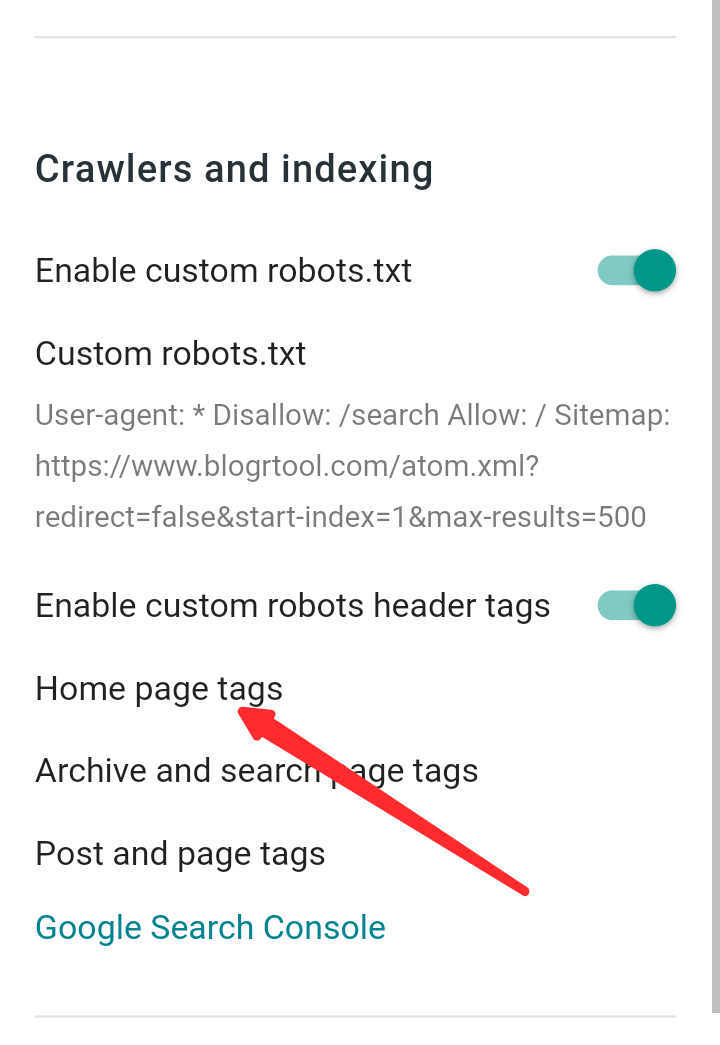
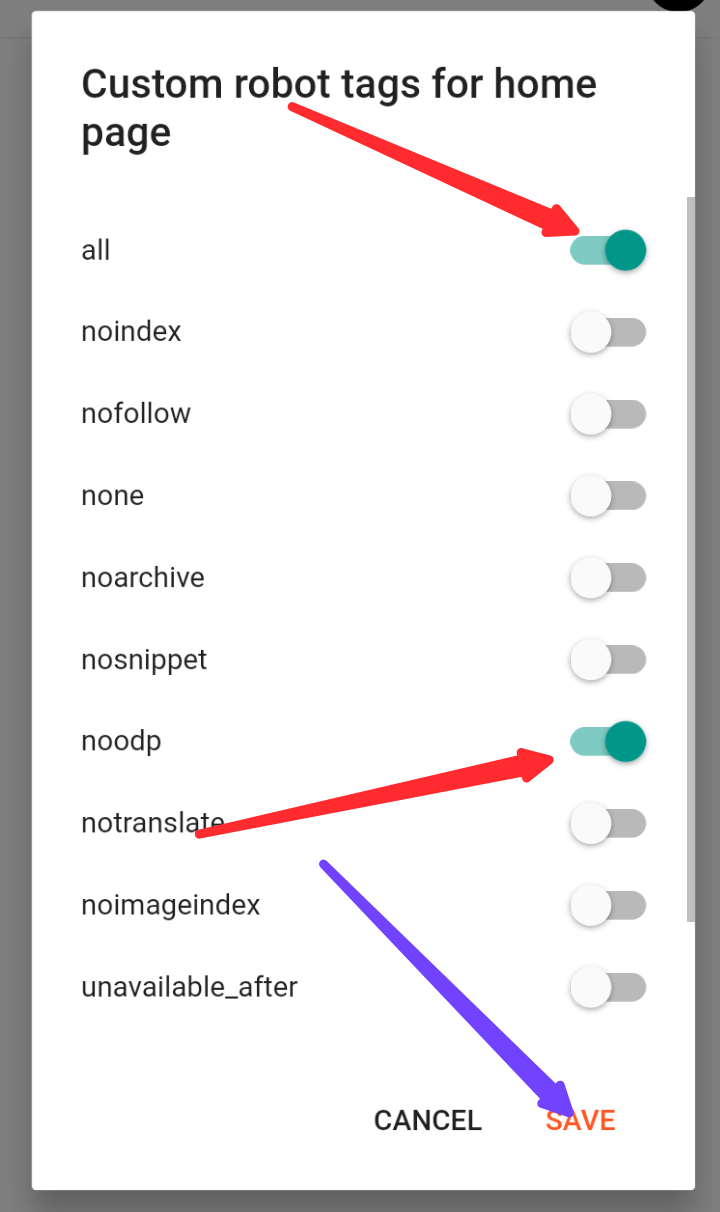
Now click on Home page tags option and save by turning on all and noodp .
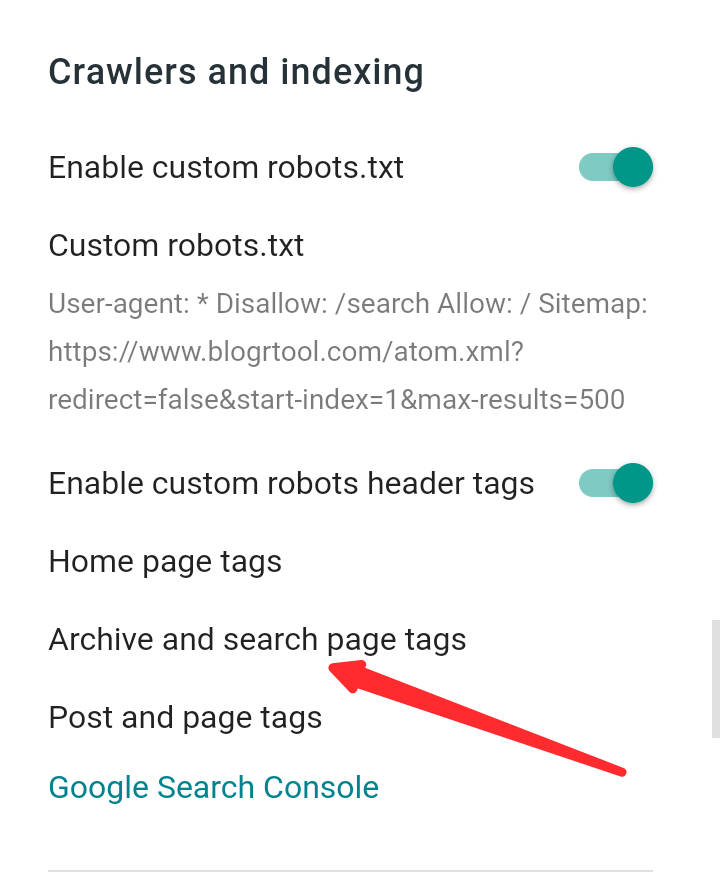
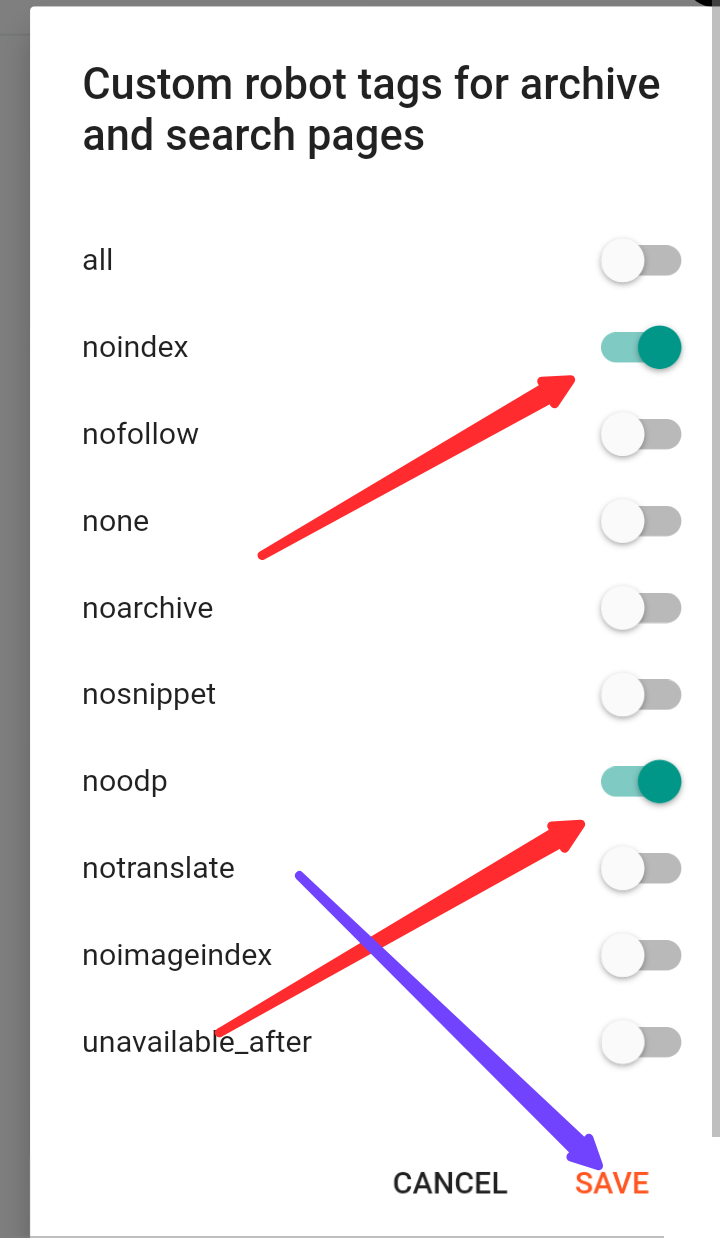
Now click on Archive and search page tags and save by turning on noindex and noodp .
Click on Post and pages tags. Then turn on all and noodp and save.