
Follow below screenshot to add translate bar to blogger site.
First go to admin panel of your blogger site.
Then click on Layout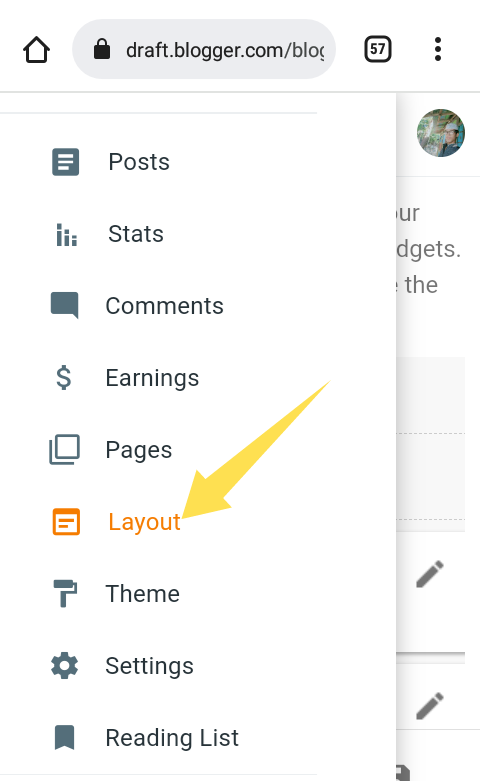
Then click as below screenshot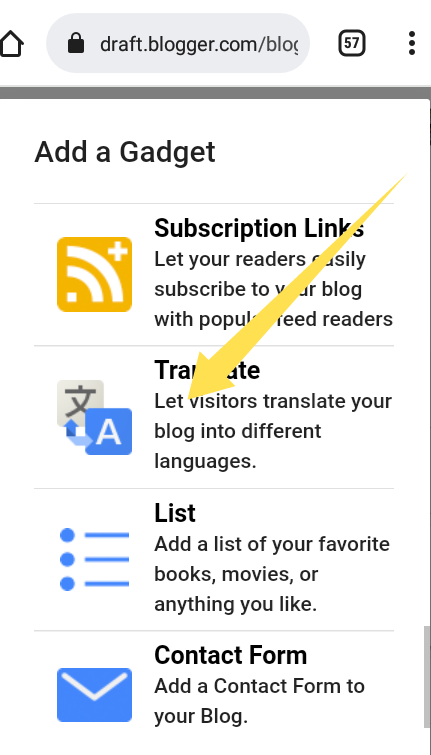
Then do this if your screenshot doesn't look like this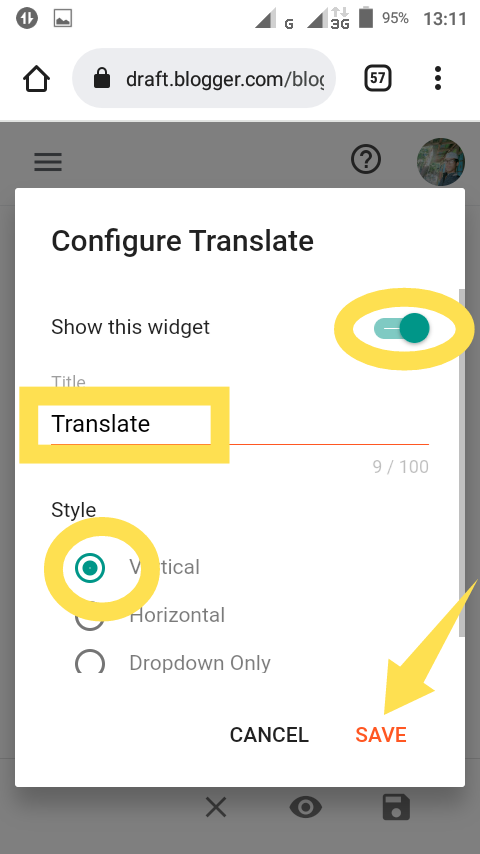
Translate bar is now added to your site.
Hope you understand.
If you don't understand, please comment. Now find translate on your blogger page.
Like the screenshot below.
See the translate bar has been added.
From now on anyone can read posts on your site in any language.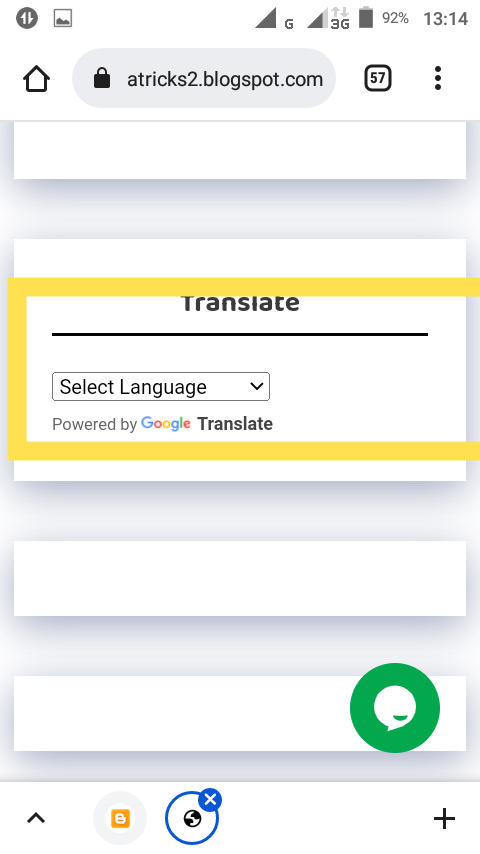
Voice typing is done, so please see the case for any mistakes.
Tags
Blogger
