
About Us Page is an important page for your website. This page helps you let your users know about you and your website Now let's show you how to add About Us Page to your Blogger Page.
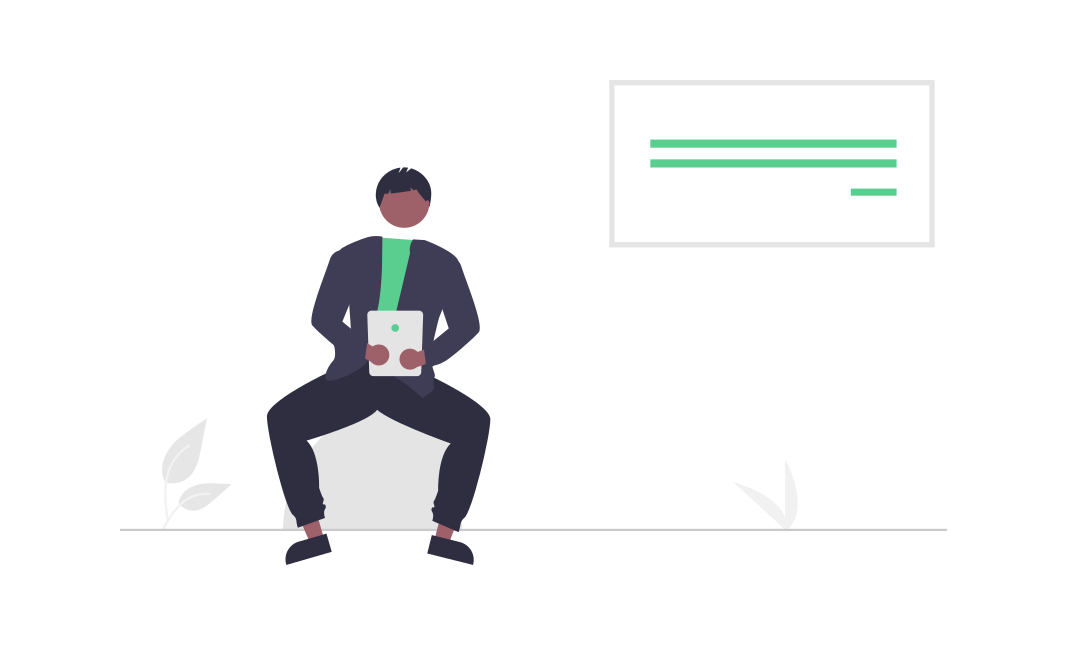
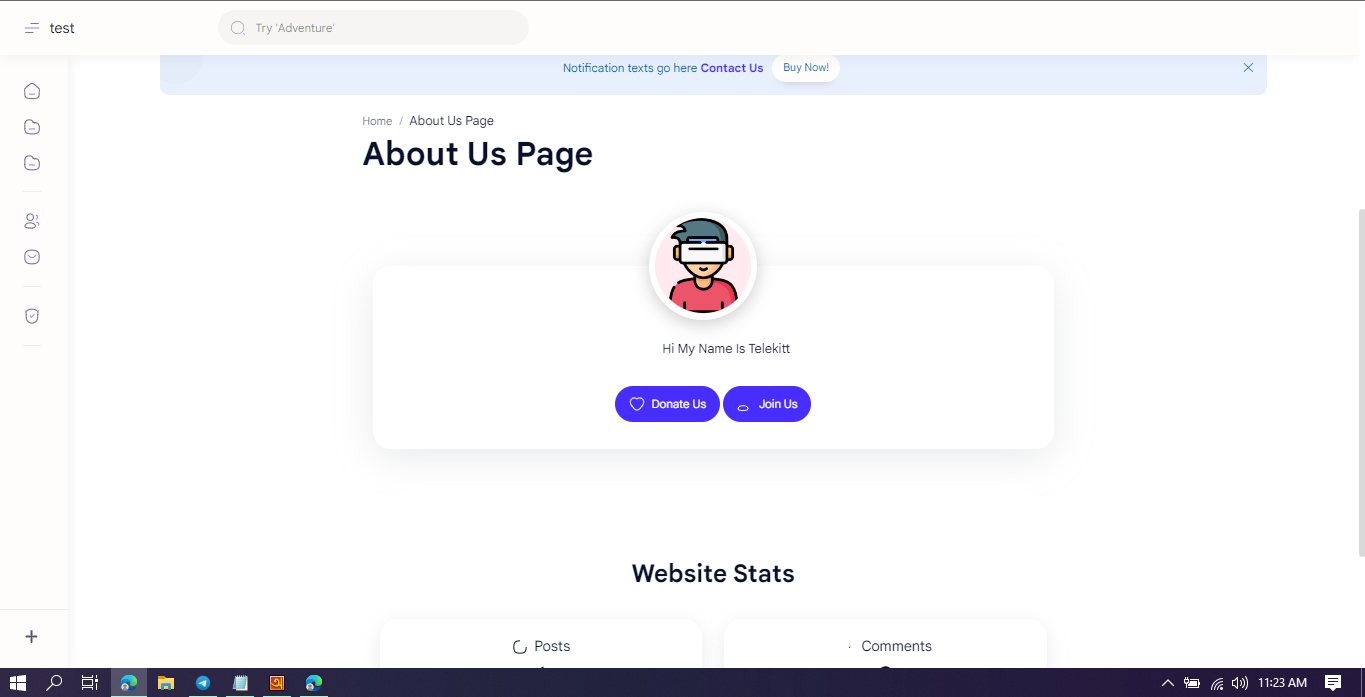
About Us Page UI Design Clean and Professional script. This page has four sections.
- The first section is Logo Section. This section will show your logo in the top center of your page.
- The second section will contain Detail. This section will show your site description or your description.
- The third section is the Site Post Count section. This section will show you the count of all the posts on blogger website
- The fourth and final section is the Comment section, this section will show how many comments you have made on your blogger website.
How to add to Blogger
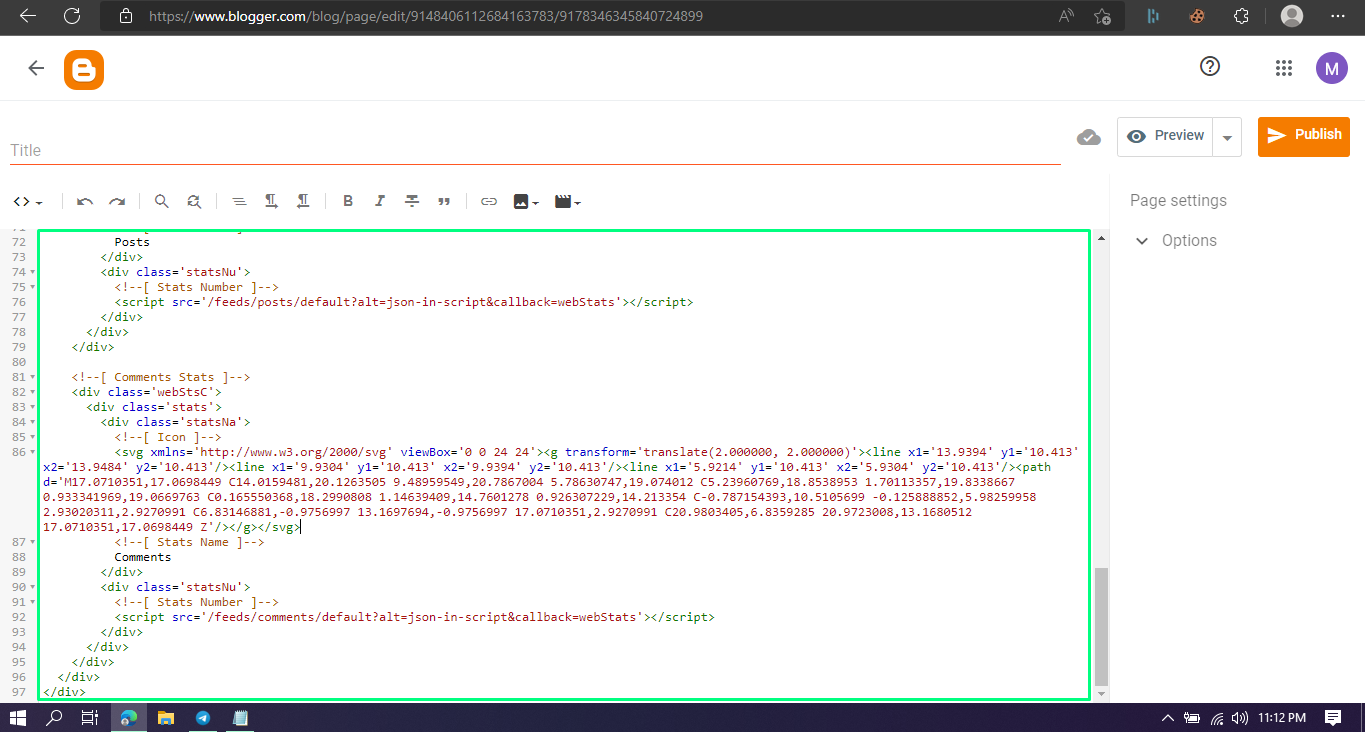
01. First click on Page Section on Blogger.com and select “Add New Page”.
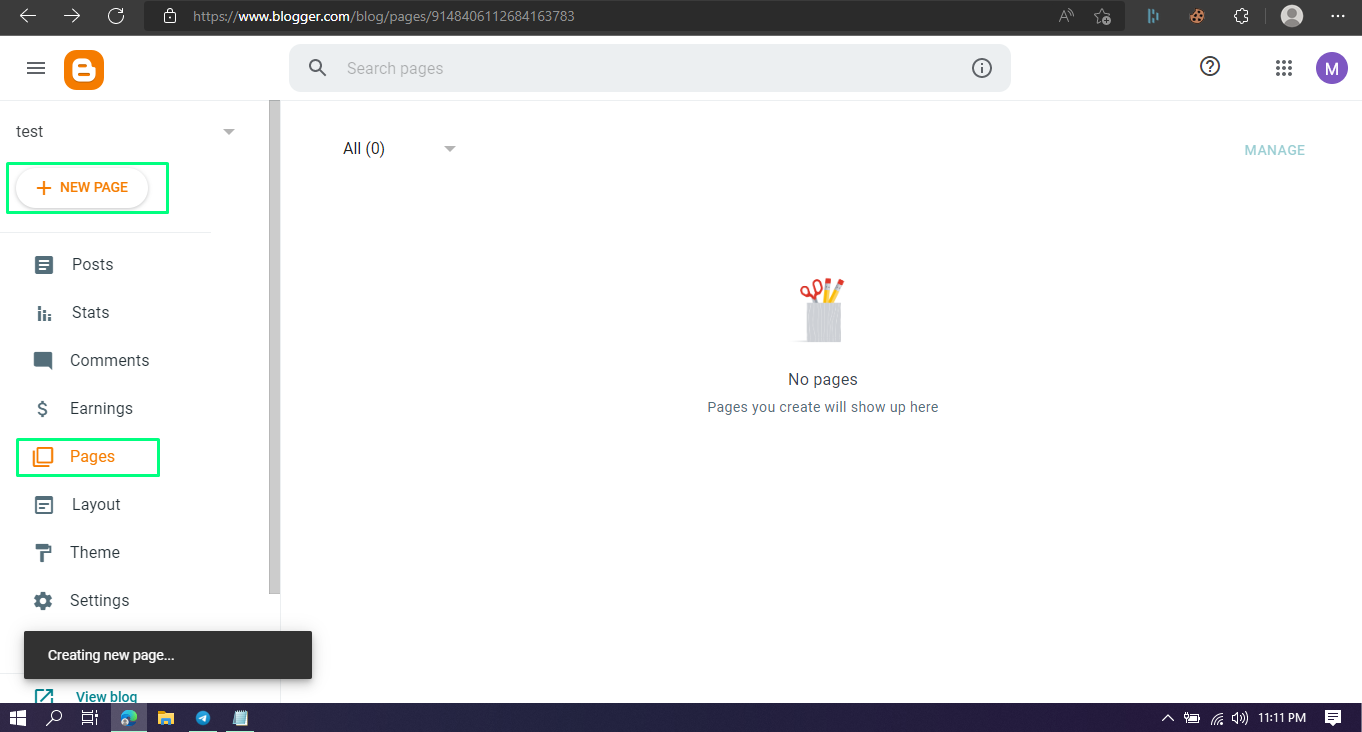
02. Now go to the HTML Section of the Page
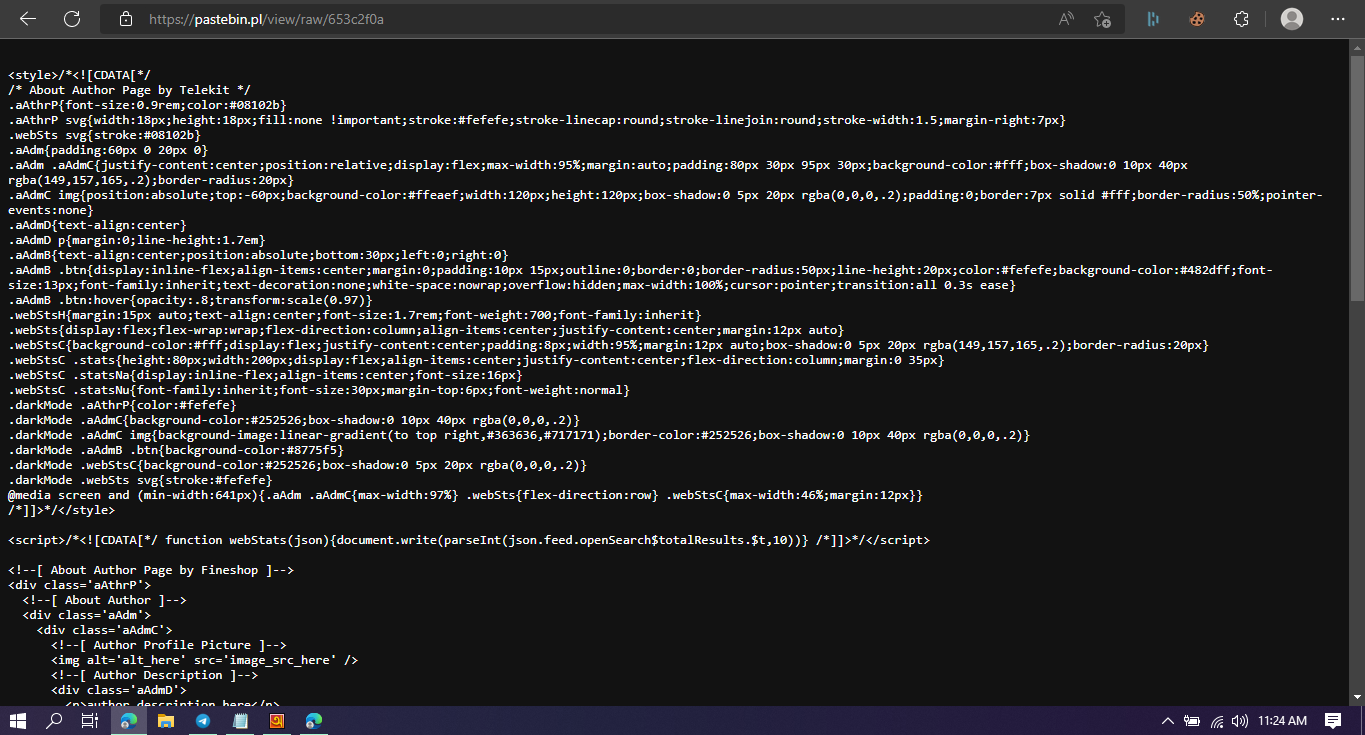
03. ThisPastebin FileCopy-paste the codes
04. Save the page, don't forget to write About Us in Title.
05. About US Page Create rich Mordern UI.
Tags
HTLM CODE
