
Like all other scripts, I have brought a script today. By adding this script to your blogger page/post, you can add the option to download Youtube video.
In Blogger you can add scripts for YouTube audio and video downloads and make separate income from there. Many of us use different websites to download YouTube audio and videos, among them Yt1s, savefrom net are very popular. If you want, a YouTube on your website. You can turn your website into a YouTube audio and video downloader site by adding audio and video download scripts.
By doing this, you will get some different visitors to your website. Also, those who visit your site every day will be more attracted by seeing new features on your website and there is a great chance to become permanent visitors of your website.
So if you want to add Youtube Audio and Video Downloader script to your blogger site, then follow the below steps:
To see the demoClick here.
First login to your blogger site. Then go to Pages.


Now create new page by clicking +(Plus) icon.

Then click here.
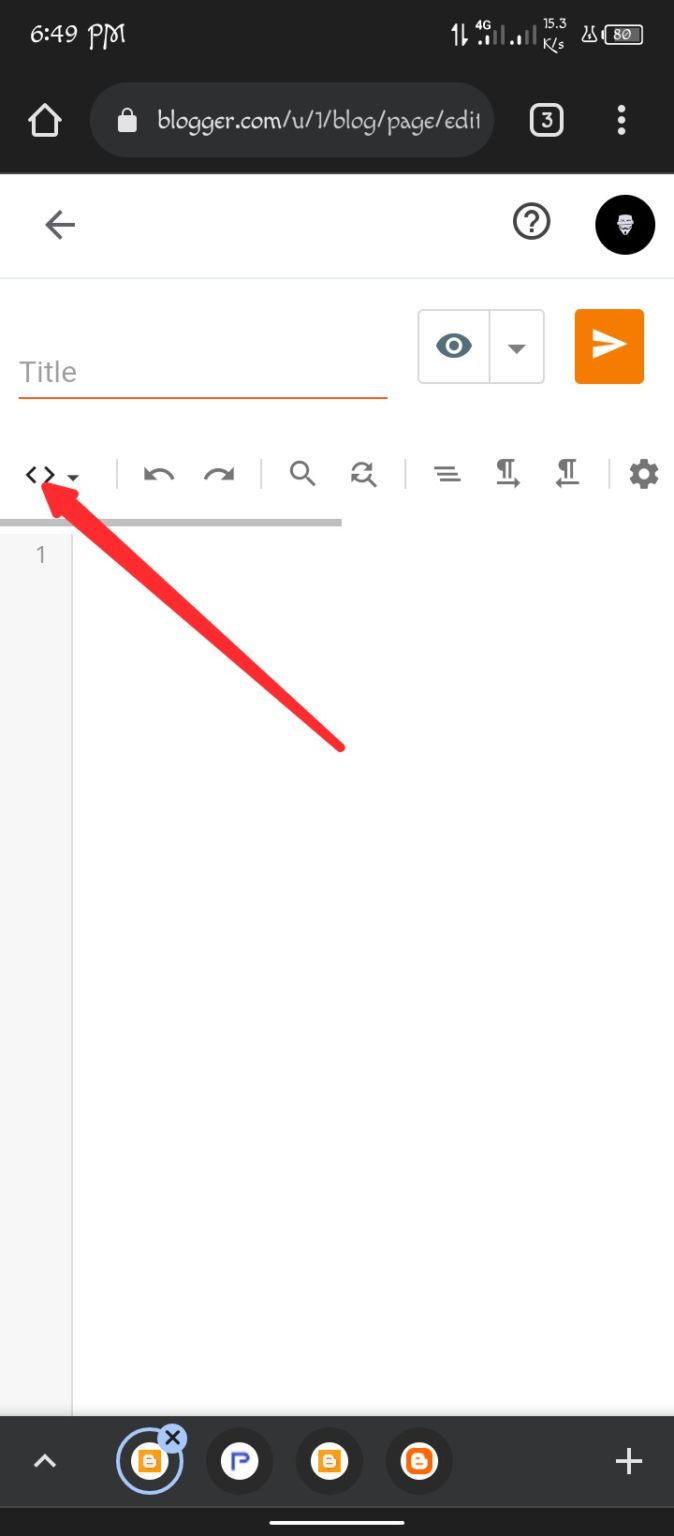
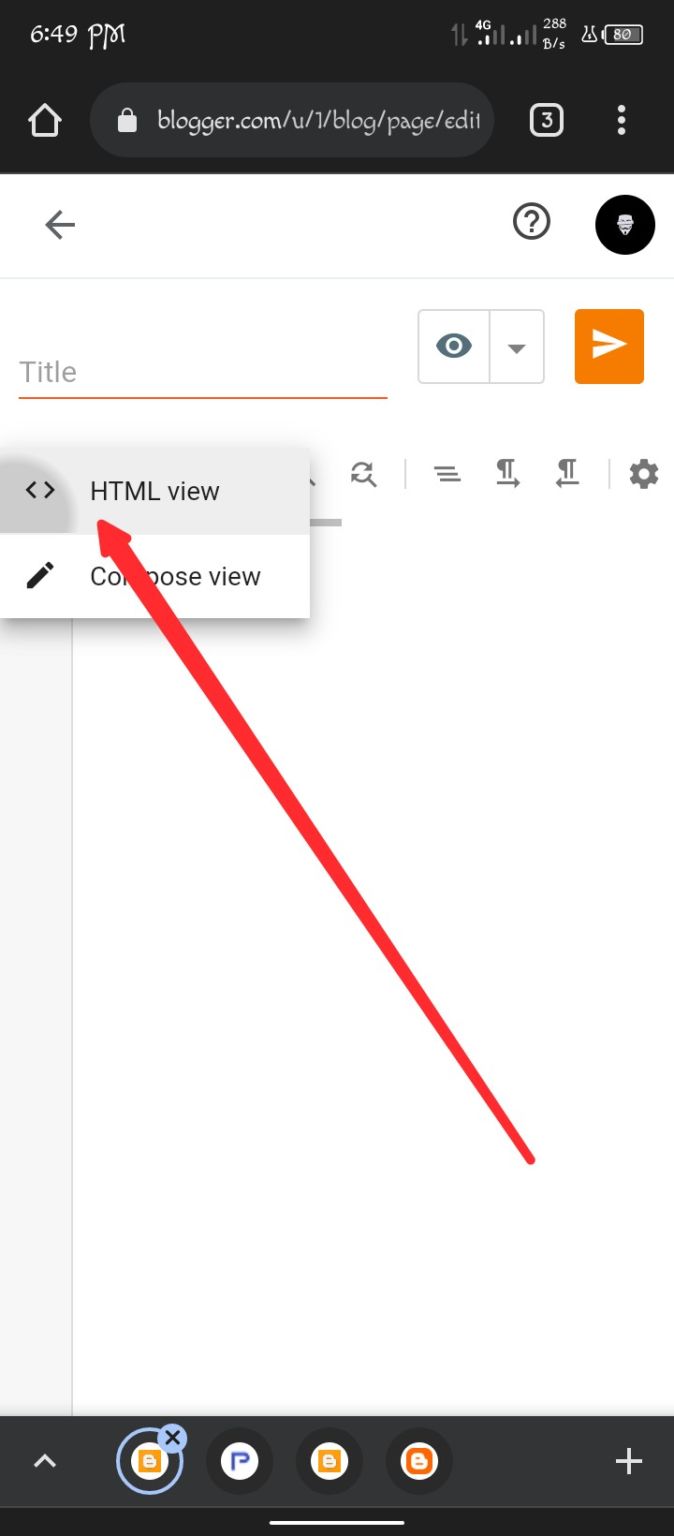
Select HTML view
How to add Internet Speed Meter in Blogger? How to add internet speed meter to blogger?
How to Add Post Views Counter on Blogger? How to add post view count in blogger?
Age Calculator Script for Blogger Get age calculator script for your blogger site.
thenBy clicking hereCopy/download the codes and paste them in the blank box. Then click here to publish the page.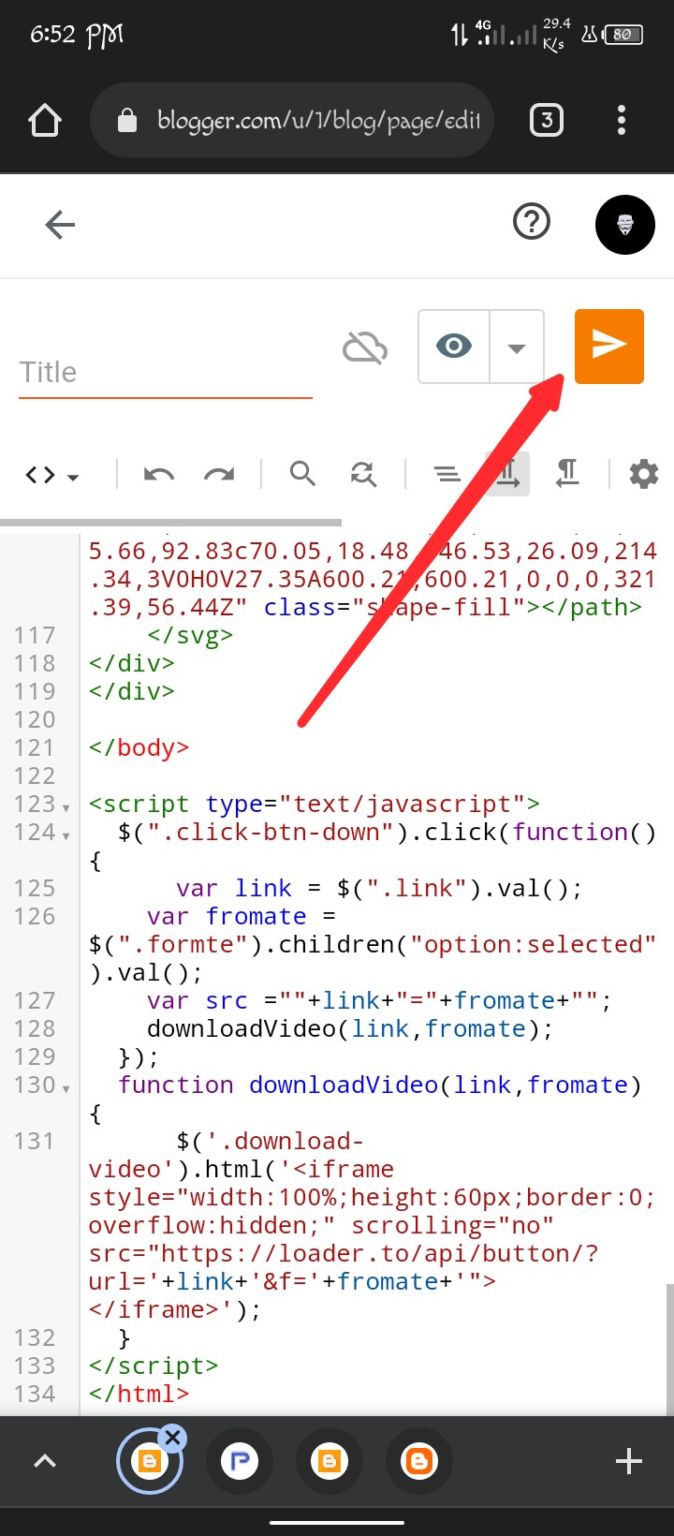
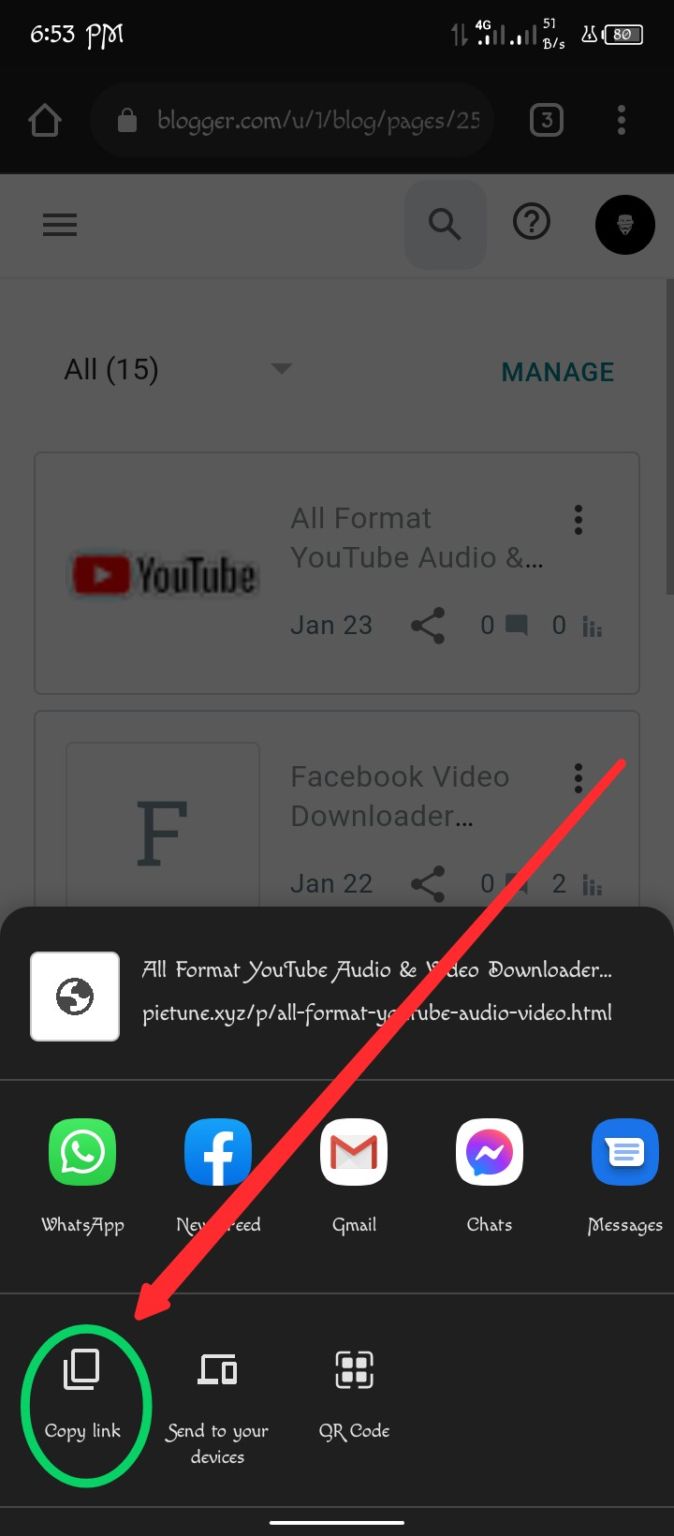
Once the page is published, click on the share button and click on Copy Link and copy the link.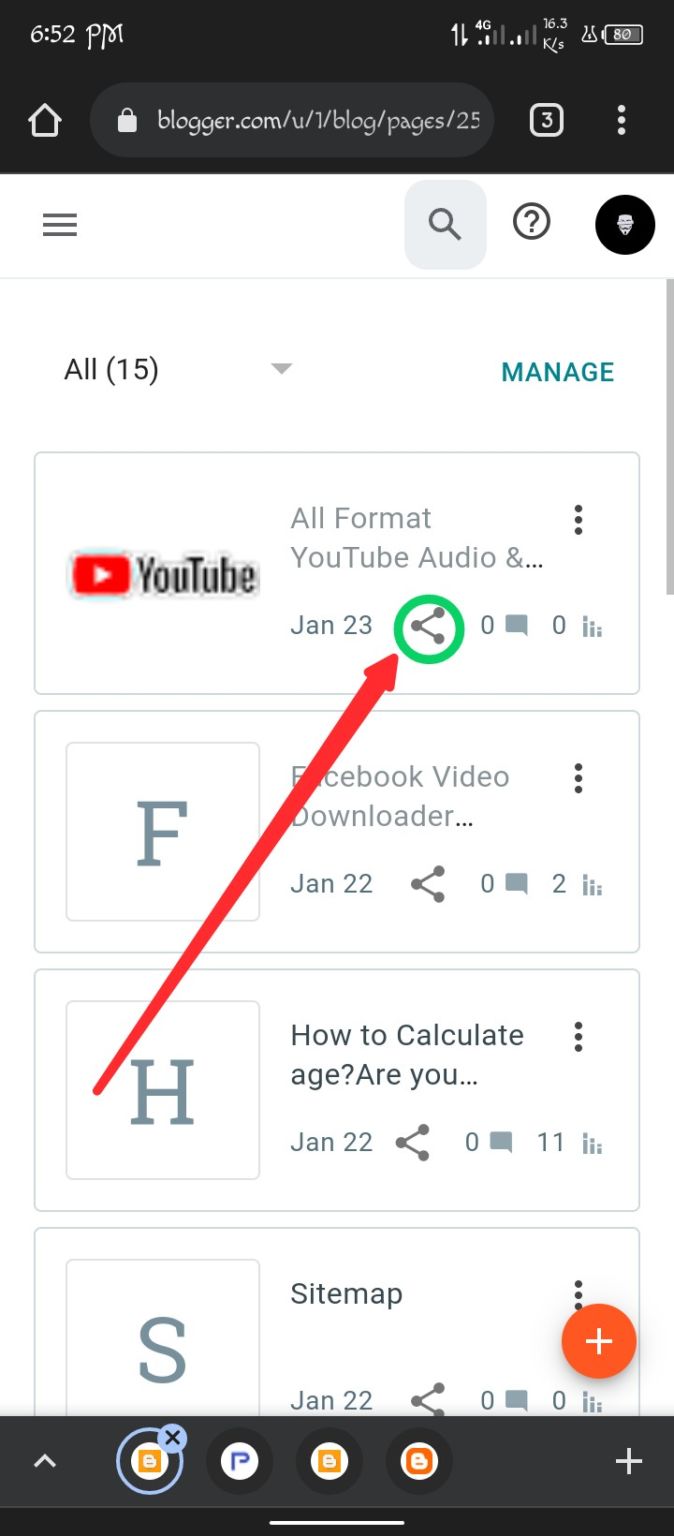
Then go to another tab and paste the link and click OK. And see, Youtube Video Downloader has been added to your site.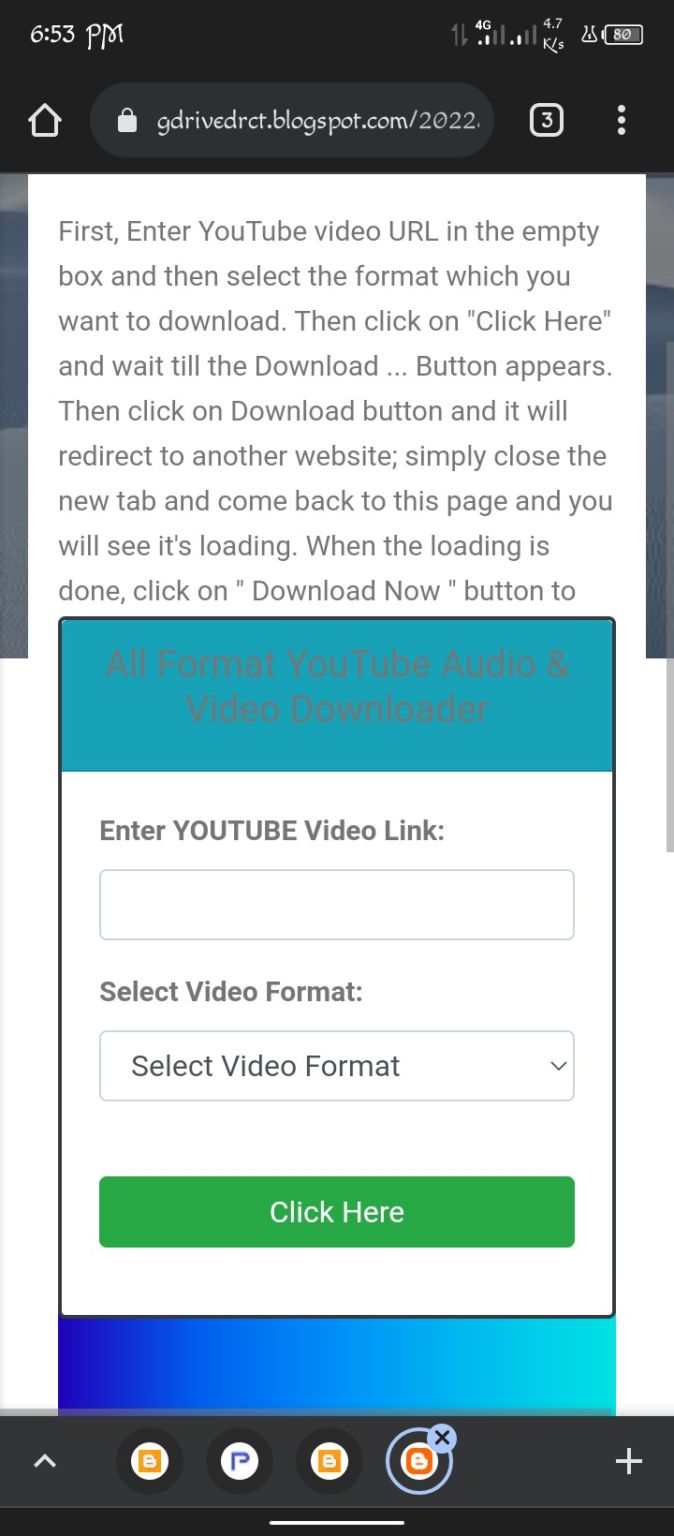
Now you can try it yourself if you want to see if it works!
