
Live code editor for blogger
If you follow the procedure shown below, you can easily create a live code editor in Blogger. In this Live Code Editor, you will find 4 boxes. In one, type HTML, CSS, Javascript in the other and in the remaining box, you can see the live output of your typed code.
To view the demo:Click here।
Let's start, today's post is the process of making Live code editor for Blogger .
Step 1: Go firstBloggerA. Then go to Pages .
Step 2: Then click on the +(plus) icon.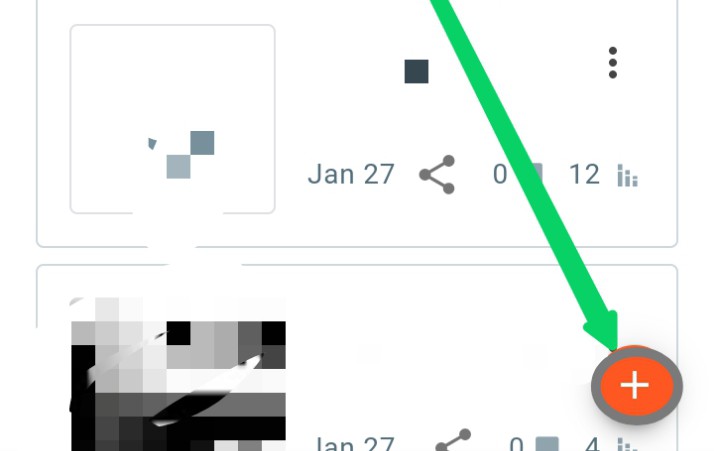
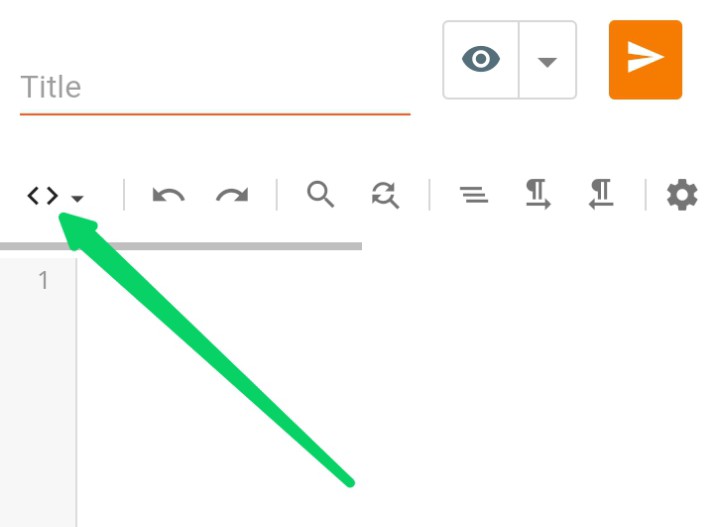
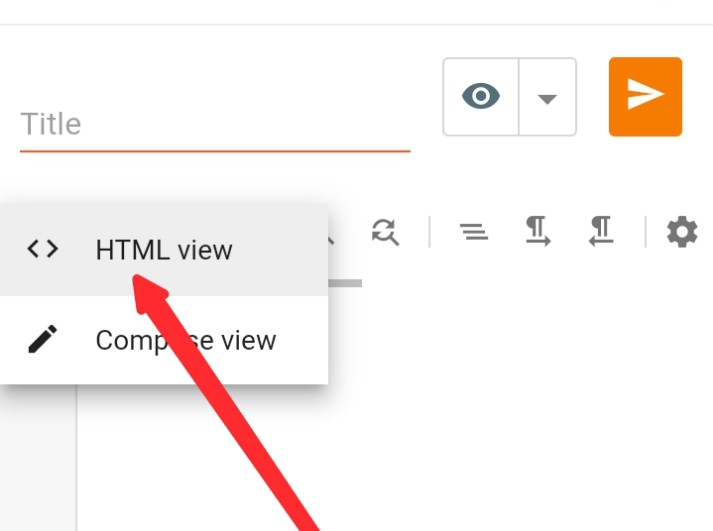
Step 4: Then turn on HTML VIEW.
Step 5: Now give a title as desired.
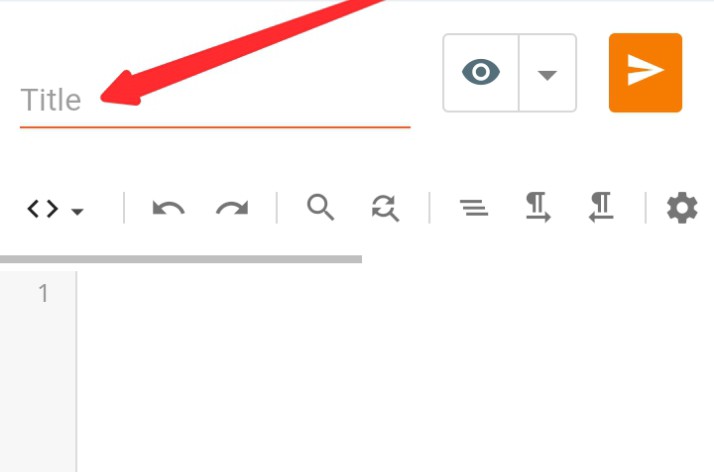
Then copy the codes given below and paste there. If there is a problem to copyBy clicking hereDownload the live code editor script and copy all the codes and paste the codes and publish the page/post
.pixlP{padding:16px 20px;background-color:#fefefe;box-shadow:0 5px 35px rgb(0 0 0/7%);border:0;border-radius:10px;font-size:14px}
.drK .pixlP{background-color:#000;color:#fff;box-shadow:0 0 0;}.iframe {bottom: 0;position: relative;width: 100%;height: 35em;}
.sidebar {display:none;}


OutPut


function compile(){var e=document.getElementById("html"),t=document.getElementById("css"),n=document.getElementById("js"),o=document.getElementById("code").contentWindow.document;document.body.onkeyup=function(){o.open(),o.writeln(e.value+""+t.value+""+n.value+""),o.close()}}compile();
Tags
HTLM CODE
