
How to remove "Powered By Blogger" writing from Blogger Site?
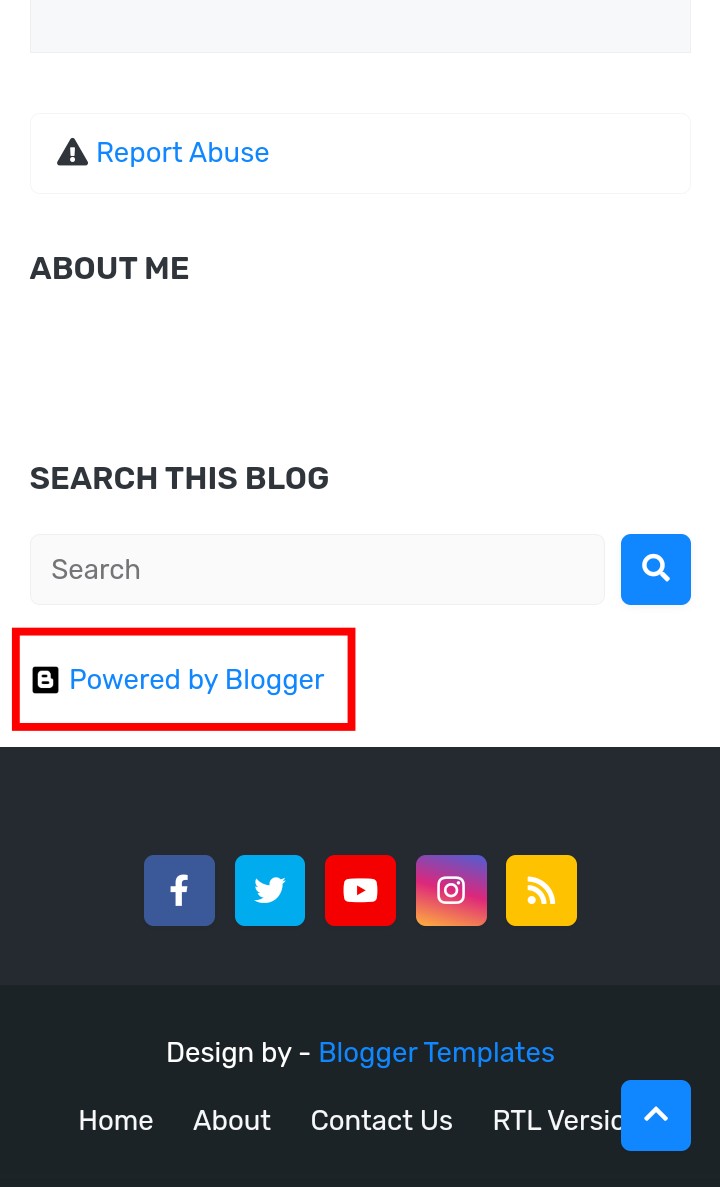
Usually we see such articles on Blogger Site. Many people want to remove this article but do not find such an option.
How to remove it?
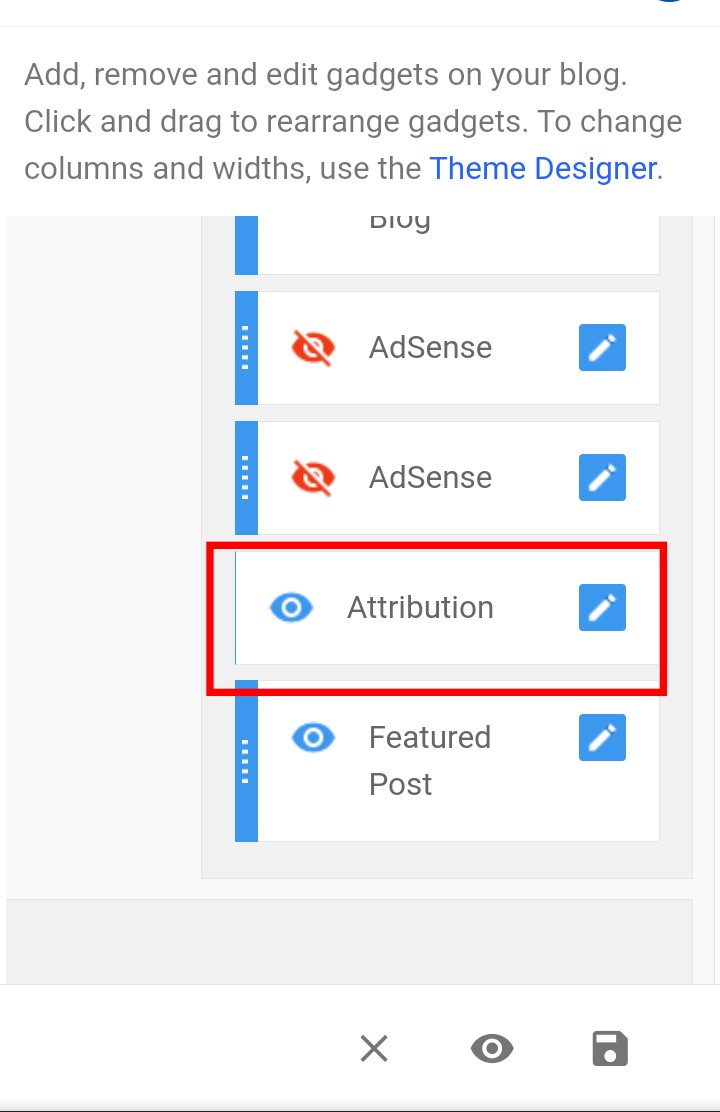
When you go to Layout Option, you will find an option named “Attribution”. Click on this “Attribution”.
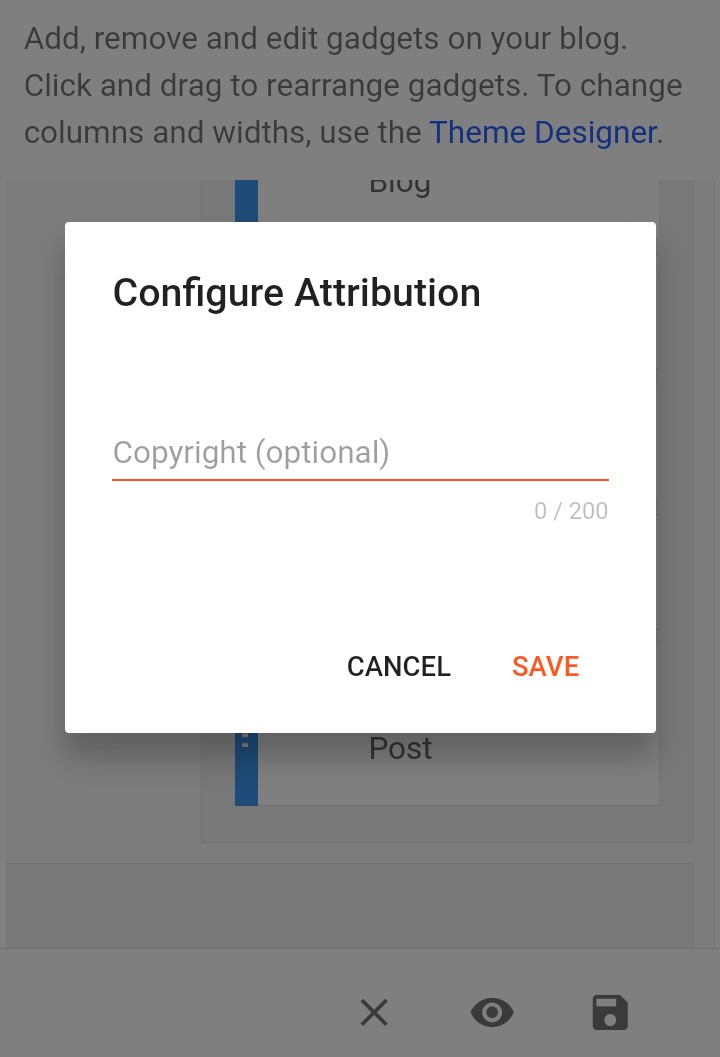
After that you can see such a popup. If there is an option named “Remove” then you can remove it by clicking on it directly.
But what to do if there is no “Remove” option?
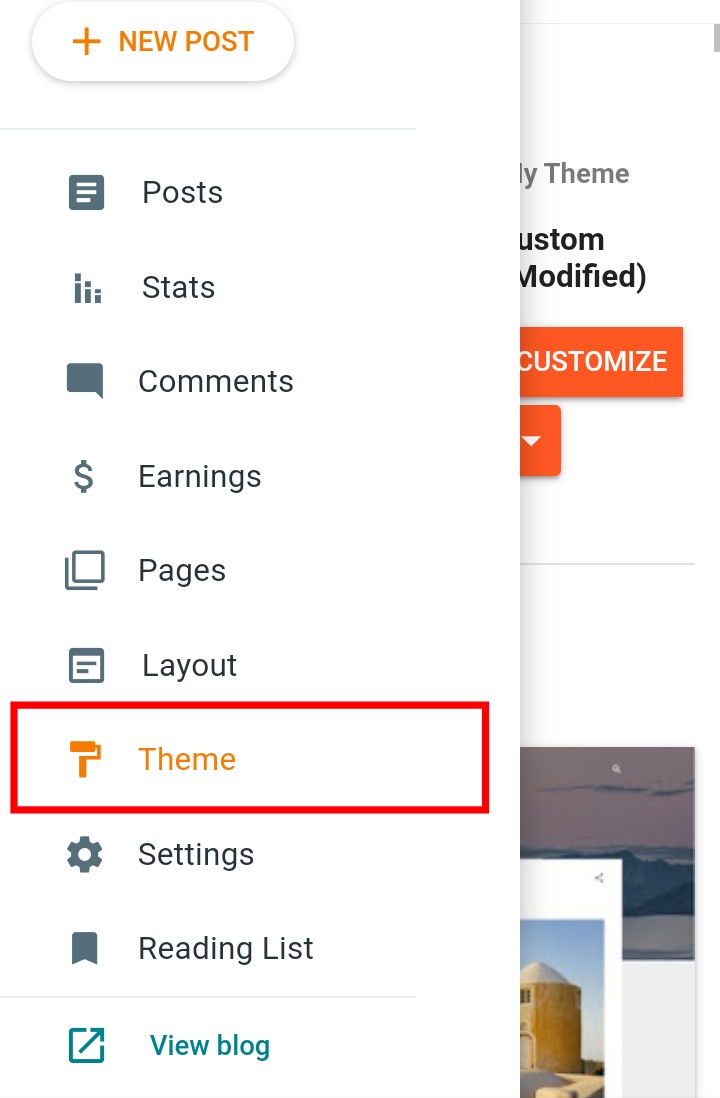
If there is no remove option, click on Theme
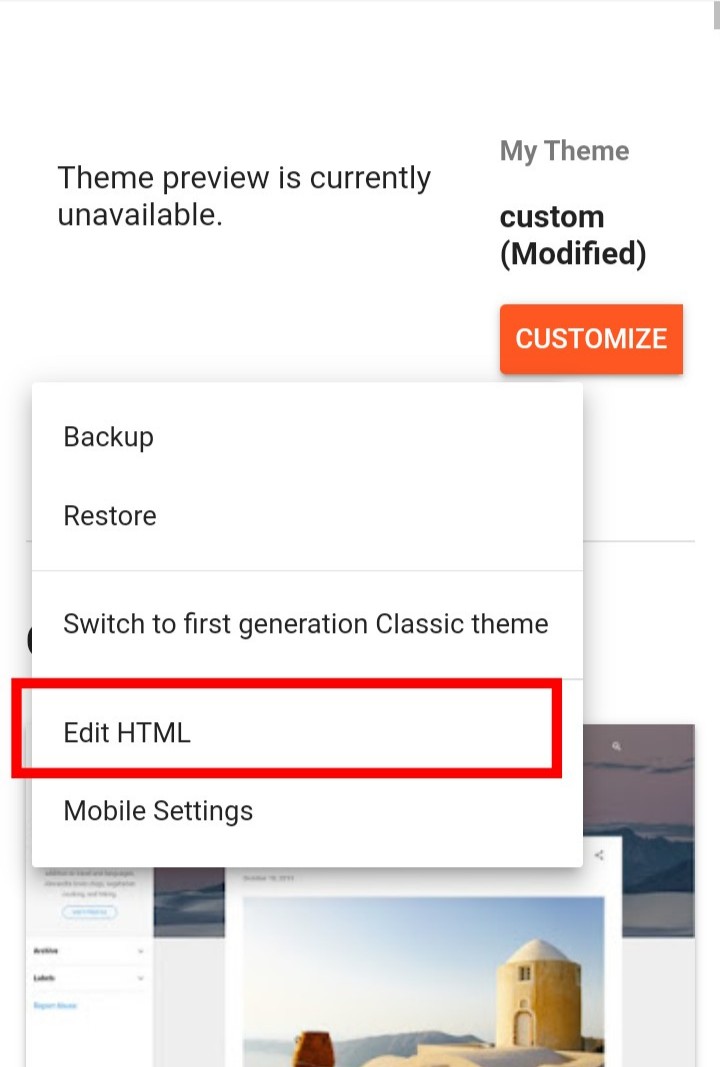
After that you will see an arrow icon under the text Customize and click on Edit HTML.

Now click on 3dot icon
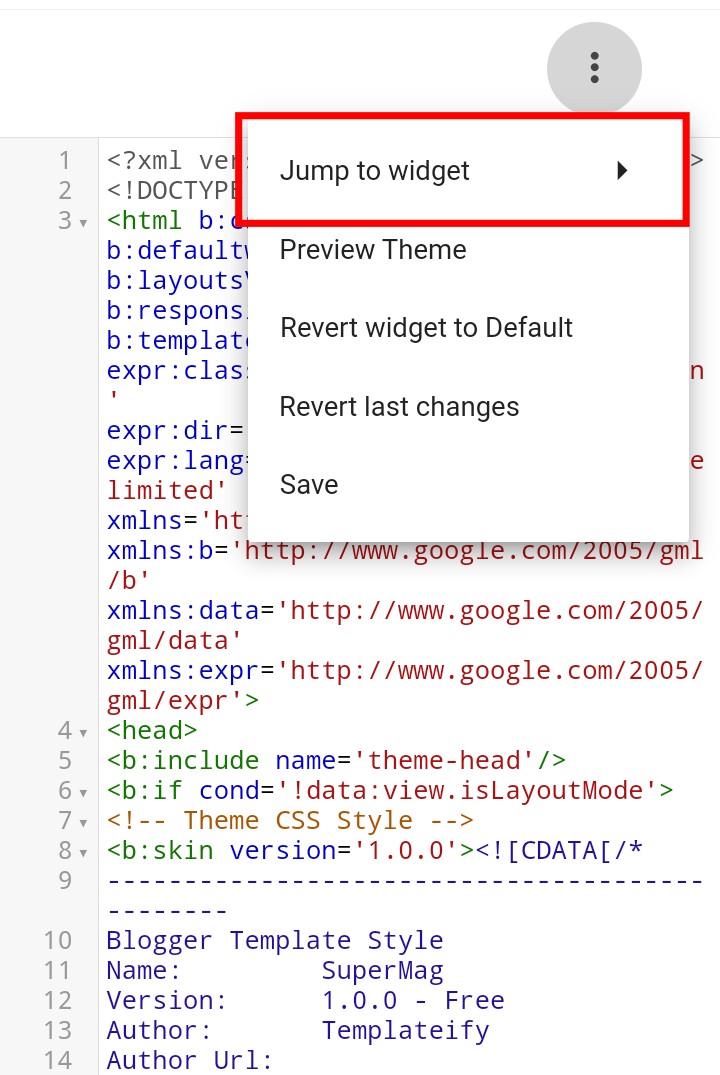
Now click on Jump to widget.
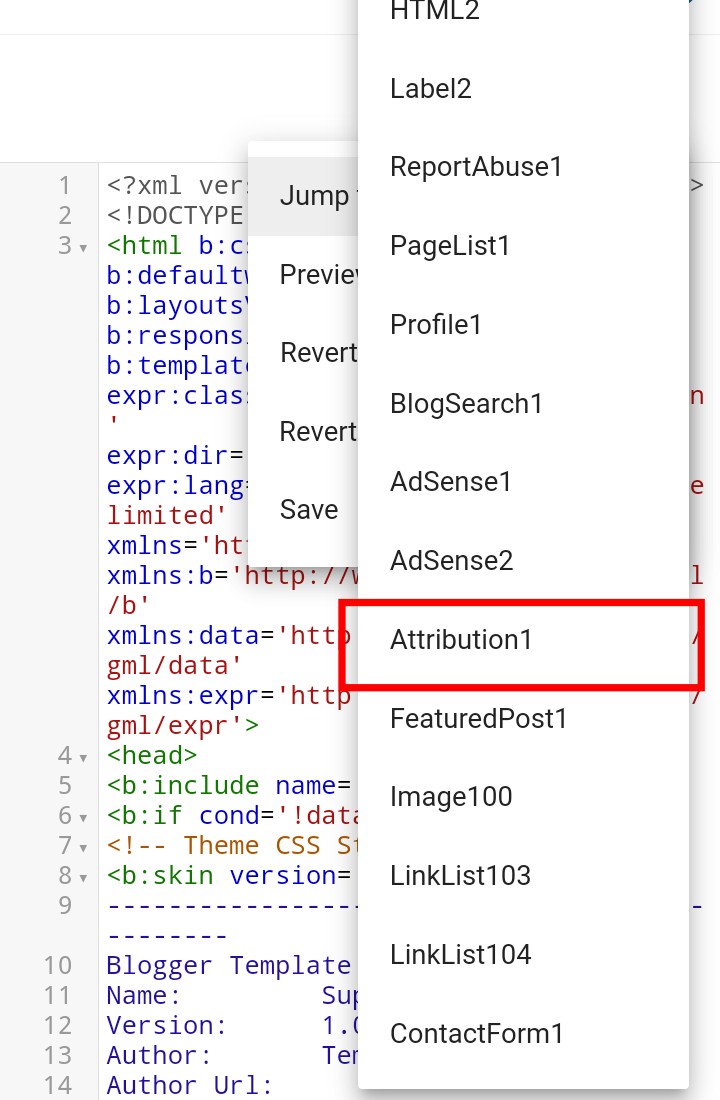
Now click on Attribution1.
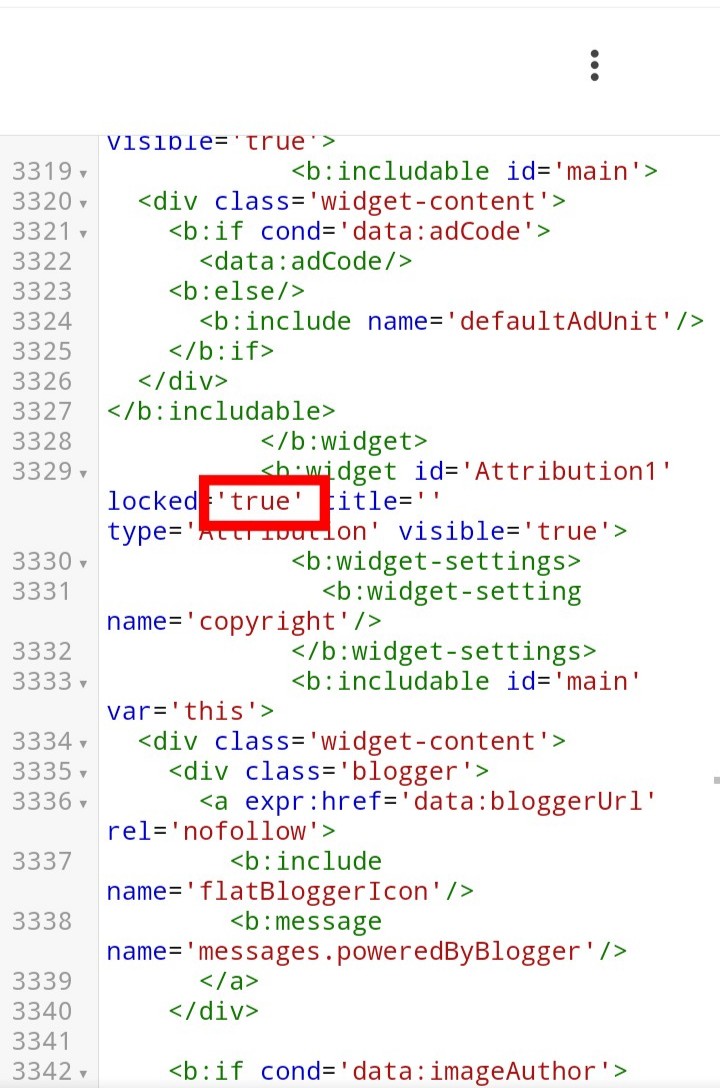
True will be written in the place marked in the image in this HTML Code.
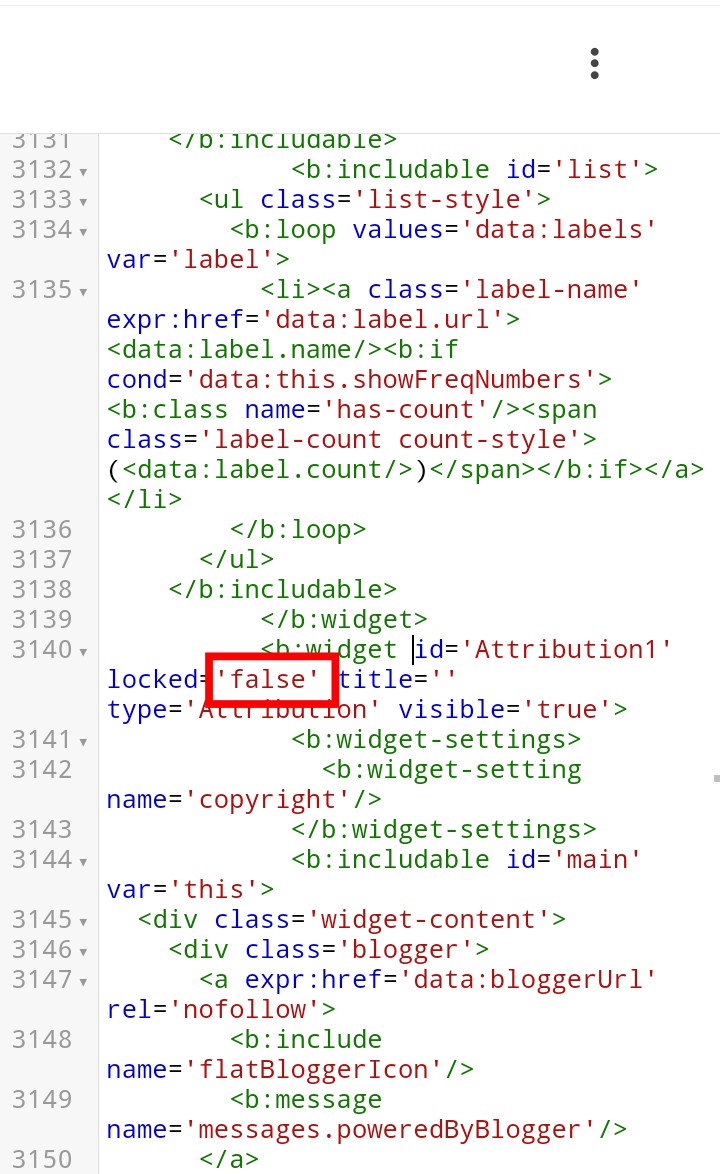
This text should be set to false
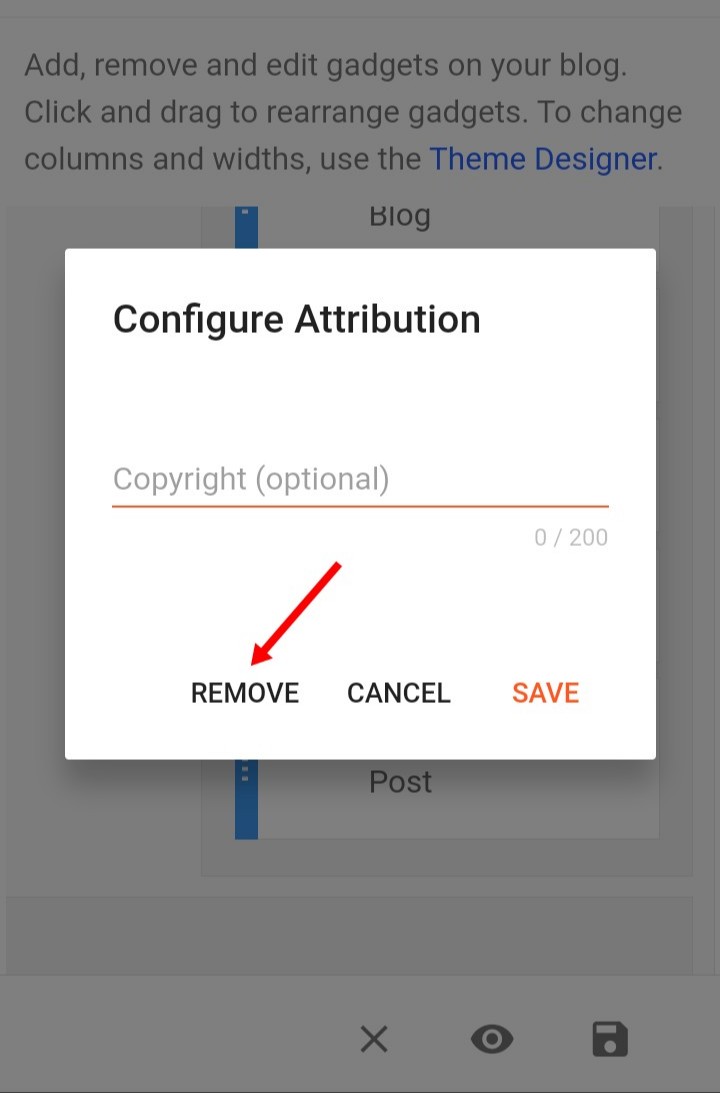
Now if you go to Layout as before and click on Attribution, you will get the Remove option
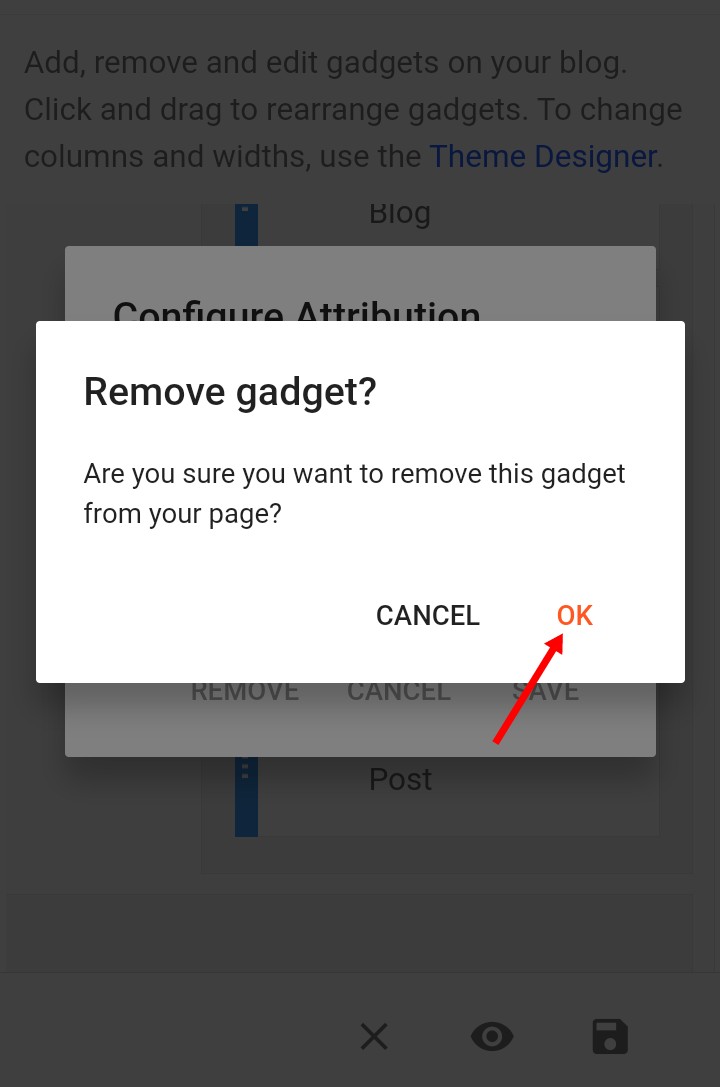
Now click on Remove to remove it.
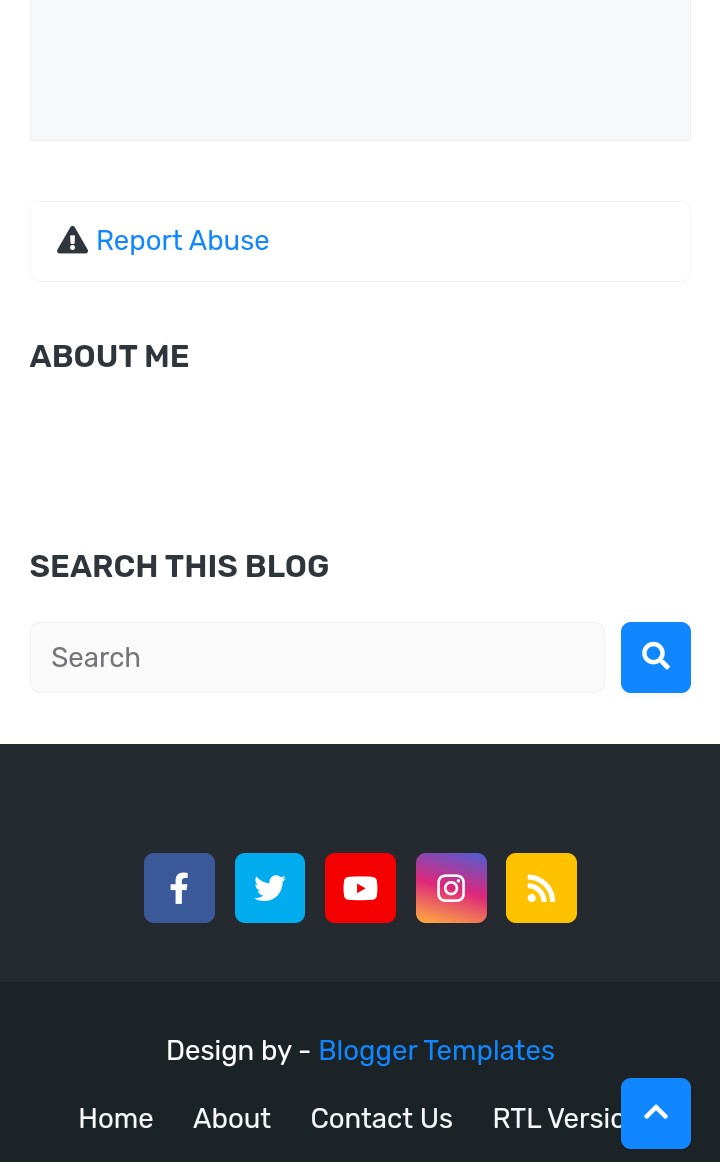
Now the “Powered By Blogger” text will be completely removed.
