
Meta tag generator tool for blogger.
Blogging requires the help of many types of tools. This makes blogging much easier. There are some tools, which are essential to use for blogging. Only these tools are used by many people for blogging. There are many such websites of SEO tools. Manage websites with just tools.
Some useful tools for blogging:
- Meta Tag Generator
- Privacy Policy Generator
- Disclaimer Generator
- Custom Robots.txt Generator
I have shared some tools earlier. You can use the tools yourself for blogging. Or, you can add the tools to your site. By doing this, your site visitors can use them.
Previous tools I have shared:
- Age Calculator Script for Blogger
- How to add Internet Speed Meter in Blogger
- Youtube Video Downloader Script For Blogger
- Google Drive Direct Download Link Generator For Blogger
- Create Logo Maker Website in Blogger
- How to create Disclaimer Generator Tool for Blogger
- How to create stylish text generator website in blogger
Today I will share Meta Tag Generator Tool .
What are meta tags? – SEO is very important to get visitors to our site from search engines. SEO is of two types. On page SEO and Off page SEO. Meta tags play a very important role in on-page SEO. Meta tags help our website to be indexed in search engines.
Meta Description: This tag can be used for our website with a maximum of 160 words. It should not be used more.
Meta Keywords: This tag is very important in getting visitors from search engines. Meta keywords have to be selected according to the topic of the website. It is better to use important keywords than to use many keywords. Because, if more keywords are used, the search engine rank will lag a lot.
Meta Author : This tag is optional. Not using it will decrease the rank. But many people use it. They want their name in Meta Author.
Meta tag generator tooldemosee
How to Add Meta Tag Generator Tool to Blogger:
Step 1: Go firstBloggerA. Then go to Pages .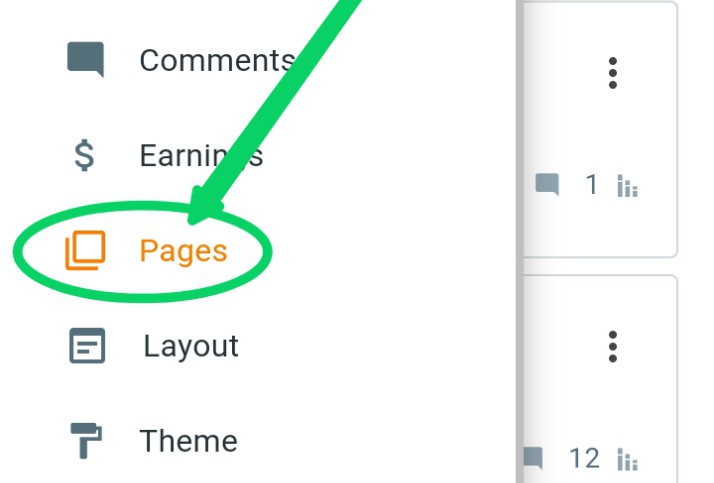
Step 2: Then click on the +(plus) icon.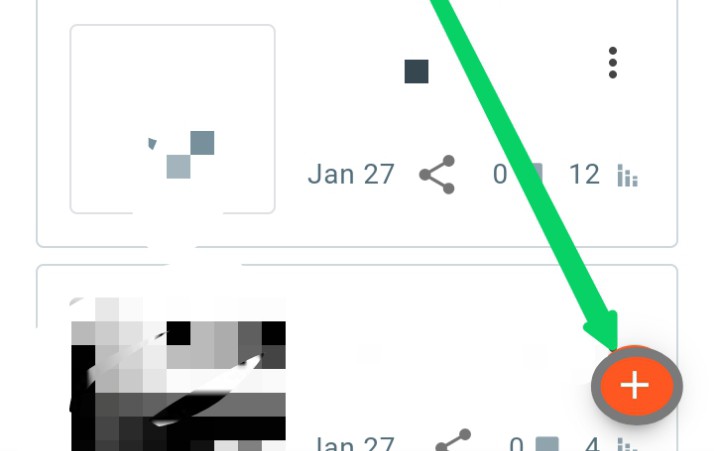
Step 3 : Now click here.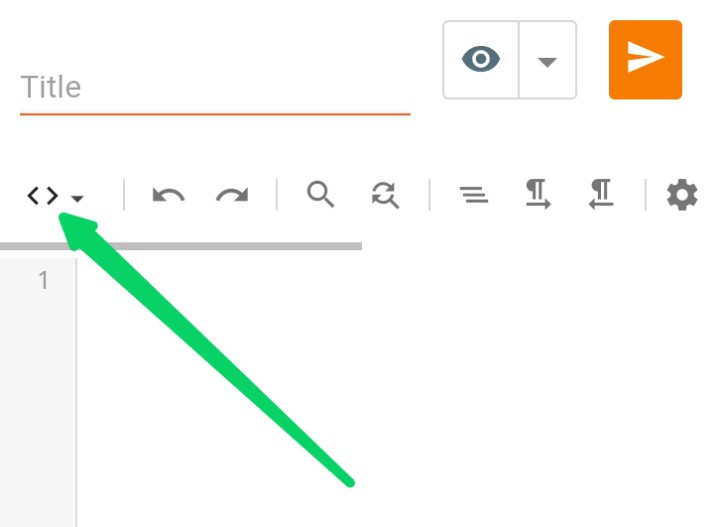
Step 4: Then turn on HTML VIEW.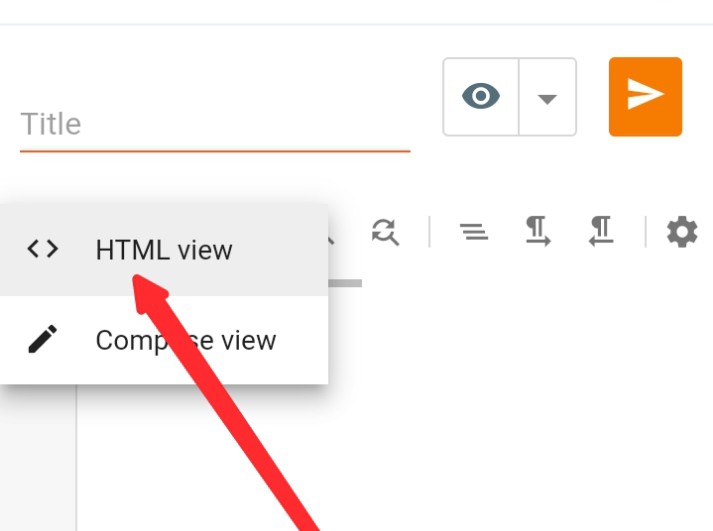
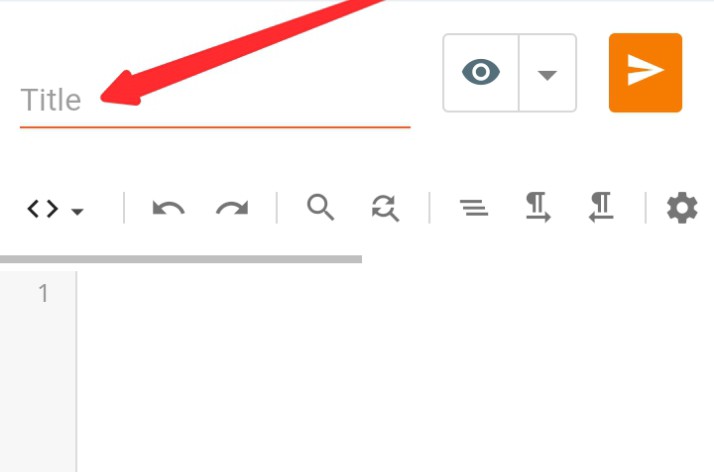
Step 6 : By clicking hereCopy the codes or download them and open them with a text editor and copy and paste the codes in the blank box and then publish the page.
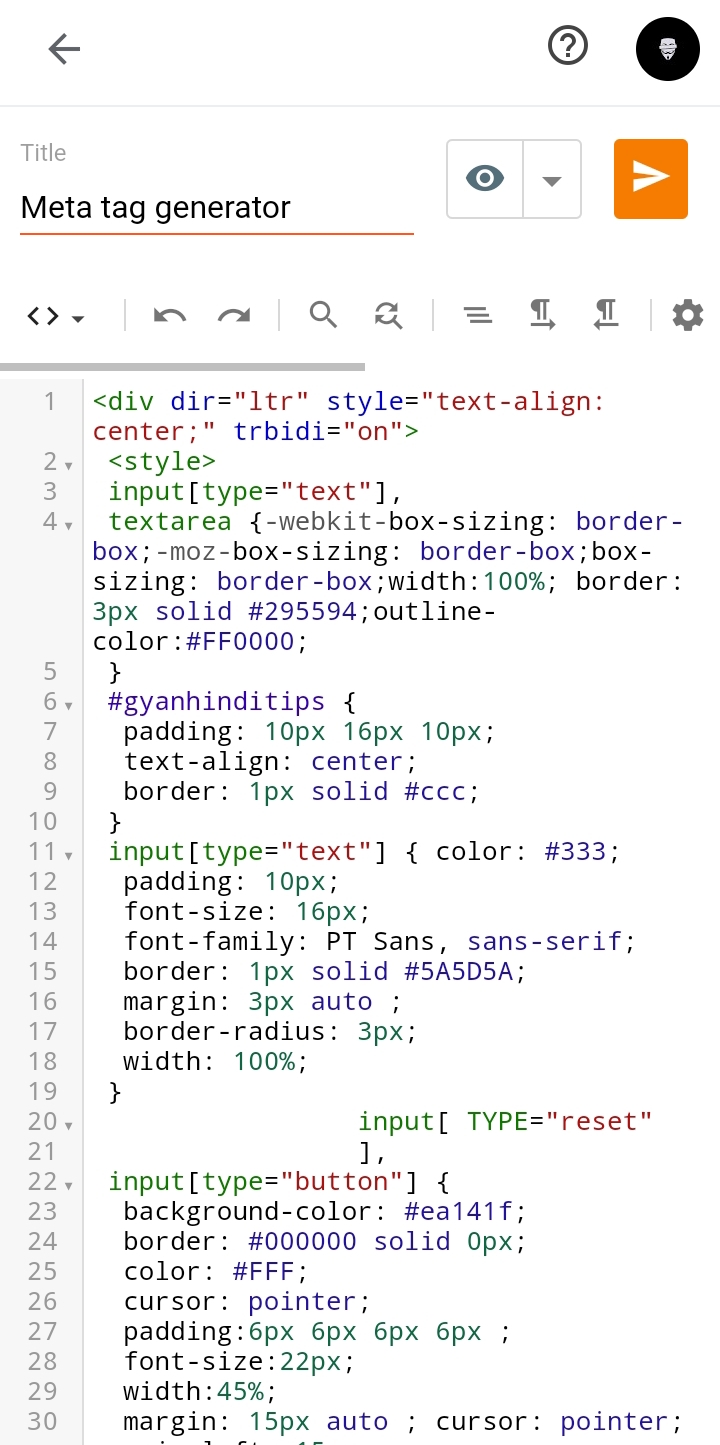
All steps complete. Now view your saved page. Your Meta Tag Generator Tool is ready.
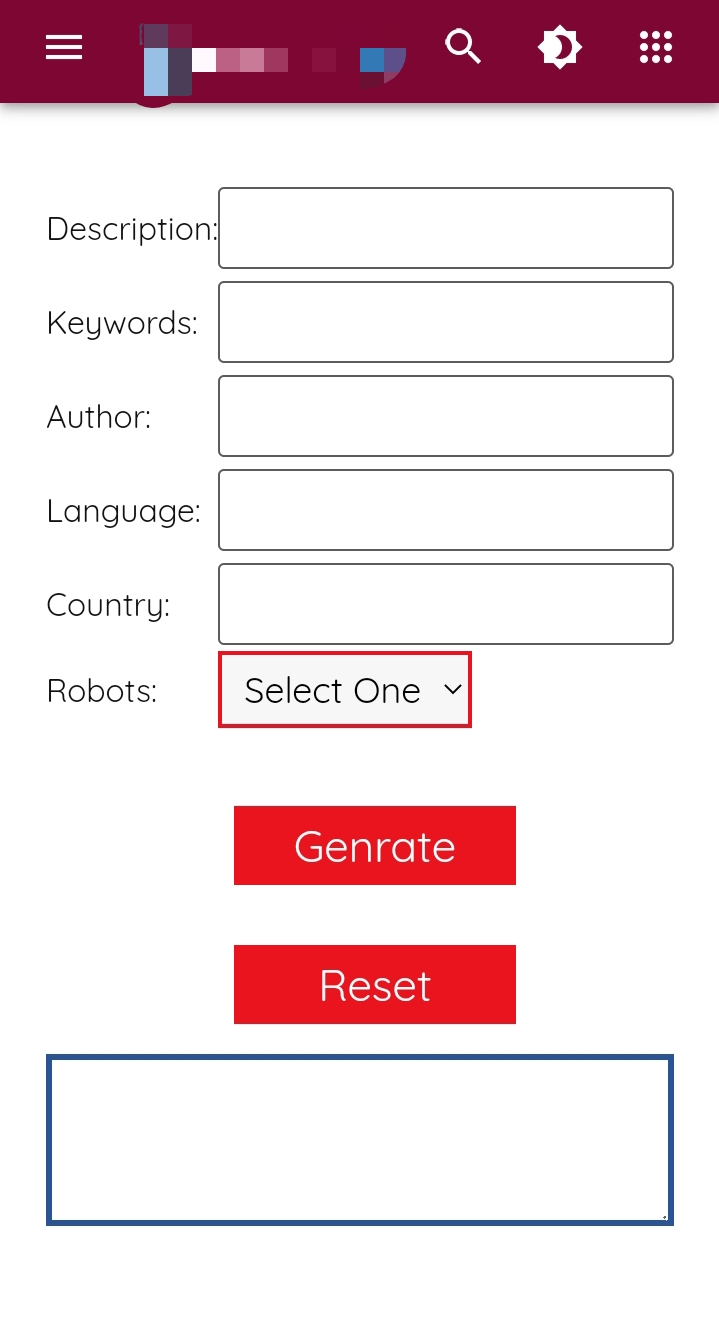
I hope you have done everything correctly. But if there is any problem, you can tell in the comment box.

If you like the post, give a like. If it is useful, then my writings are worthwhile. Join us to stay connected.
